Network monitoring and management for reliable video management systems
a[data-rs-seo-link]{text-decoration:underline!important;color:#1a56db!important;cursor:pointer!important;}a[data-rs-seo-link]{text-decoration:underline!important;color:#1a56db!important;cursor:pointer!important;}
In a modern video management system, network monitoring and management is the operating discipline that keeps cameras, recorders, switches, storage, analytics servers, cloud connectors, and remote users visible and controllable. In a video management environment, the goal is not simply to keep devices online. It is to preserve usable video, reduce blind spots, detect cyber and operational risk, and give security and IT teams a shared view of system health. NIST describes continuous monitoring as maintaining ongoing awareness of security, vulnerabilities, and threats to support risk decisions, while CISA’s cybersecurity guidance emphasizes asset inventory, logging, segmentation, and monitoring as practical resilience measures. (csrc.nist.gov)
Why VMS networks now need active management
Older CCTV systems were often treated as closed physical security infrastructure. That model has changed. Many video environments now run across IP cameras, PoE switches, VLANs, wireless bridges, VMS servers, edge storage, cloud management portals, mobile clients, identity services, and analytics engines. A camera is no longer just a lens on a wall. It is also a network endpoint, a software platform, a credentialed device, and a potential source of operational evidence.
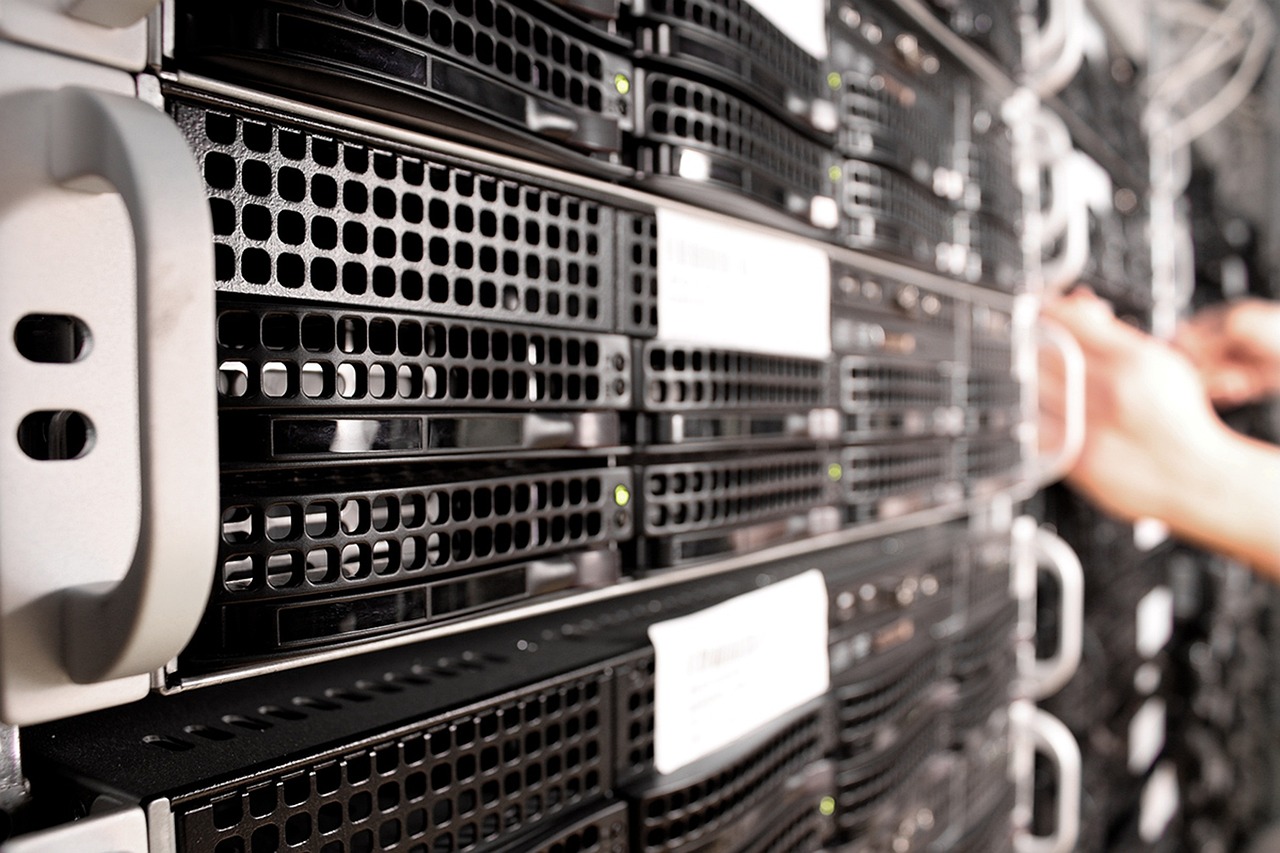
This creates a practical risk. A lost office printer is inconvenient, but a camera that silently stops recording at an entrance, warehouse aisle, parking gate, or cash-handling area may remove evidence exactly when it is needed. Packet loss, saturated uplinks, power budget limits, failing disks, expired certificates, misconfigured time settings, and unpatched firmware can all affect whether video is available, searchable, and trustworthy.
The broader security industry has also recognized the convergence of physical security and cybersecurity. The Security Industry Association has described ongoing convergence between networked cameras, physical security operations, cybersecurity practices, and automated quality checks. That trend makes network monitoring and management a shared responsibility, not only an IT task or a guard-force task. (securityindustry.org)
What network monitoring and management means in a VMS environment
Monitoring and management are related, but they are not the same. Monitoring answers the question, “What is happening now?” Management answers, “What should be done, who owns the action, and how can recurrence be prevented?” A mature VMS network program needs both.
| Capability | What it tracks | Why it matters for video |
|---|---|---|
| Asset inventory | Cameras, switches, servers, recorders, storage, firmware, IP addresses, certificates, and owners | Teams cannot secure, patch, replace, or troubleshoot devices they cannot identify. |
| Availability monitoring | Device up/down status, stream availability, service health, and recorder status | It helps prevent unnoticed gaps in live view and recording. |
| Performance monitoring | Bandwidth, jitter, packet loss, CPU, memory, disk I/O, PoE draw, and storage use | It separates a camera failure from congestion, server overload, or a storage bottleneck. |
| Security monitoring | Logins, failed authentication, configuration changes, disabled logs, firmware changes, and unusual connections | It supports investigation and early detection of misuse or compromise. |
| Configuration management | Network settings, recording profiles, retention rules, user roles, and alert thresholds | It reduces drift between the intended design and the operating environment. |
ONVIF Profile M is one example of why structured event and metadata handling matters. ONVIF says Profile M provides a standard way for analytics-capable devices, such as IP cameras, to communicate metadata and events with clients such as video management software and cloud services. In practice, standardized events can make monitoring and integrations easier to manage across mixed device environments, although product support still has to be verified during design. (onvif.org)
Reliability priorities for video operations
Video networks have different performance sensitivities from many office systems. A document upload can retry with limited user impact. Live video, recording, analytics, and incident review are less forgiving. A few seconds of missing footage may be operationally significant, and intermittent stream quality can be harder to diagnose than a complete outage.
The first reliability priority is baseline visibility. Teams should know normal bandwidth by camera group, expected frame rate and resolution, usual storage growth, peak viewing periods, and the typical behavior of analytics workloads. Without a baseline, alerts often become either too noisy or too late.
The second priority is path awareness. A single camera stream may depend on a PoE switch, uplink, core switch, firewall rule, recording server, storage array, directory service, and remote client connection. Network monitoring and management should map these dependencies so the response team can identify whether a symptom is local, site-wide, WAN-related, storage-related, or caused by authentication.
The third priority is evidence continuity. Monitoring should not stop at whether a device responds to a ping. A camera may respond on the network while failing to deliver the required stream, recording at the wrong profile, losing time synchronization, or writing to a storage target with insufficient retention. A useful monitoring plan checks the outcome that matters: whether the organization can retrieve the right video at the right time.
Security priorities for camera and VMS networks
Security monitoring for VMS should start with inventory and segmentation. CISA’s cybersecurity performance guidance emphasizes maintained asset inventories and notes that segmentation and monitoring can be compensating controls where patching is difficult or may affect availability. This is highly relevant to camera networks, where firmware updates, legacy devices, and always-on operations often require planned maintenance windows rather than immediate change. (dejavu.org)
Segmentation does not mean placing cameras on a forgotten VLAN. A well-managed design limits which systems can reach cameras, which users can administer the VMS, which services are exposed to the internet, and which traffic can leave the camera network. Remote access should be controlled through approved pathways, protected by strong authentication, and monitored for abnormal use.
Logs are equally important. CISA guidance for logging stresses the value of collecting and analyzing network and log data to detect unusual activity, while its performance goals include attention to secure log storage and notification when critical log sources are disabled. In VMS terms, useful logs include administrator sign-ins, failed login attempts, role changes, camera additions and removals, recording rule changes, firmware updates, time changes, archive exports, and disabled services. (cisa.gov)
NIST’s Cybersecurity Framework 2.0, published on February 26, 2024, provides a broad structure for managing cybersecurity risk across organizations. For VMS owners, its value is not that it dictates a specific camera architecture. Its value is that it encourages repeatable governance, identification, protection, detection, response, and recovery practices that can be applied to physical security technology as part of the wider enterprise risk picture. (csrc.nist.gov)
A practical workflow for building a monitoring program
A VMS monitoring program should be built in phases. Trying to monitor everything at once often creates alert fatigue and leaves no clear owner for corrective action.
- Create a current asset inventory. Include camera model, location, IP address, MAC address, firmware, switch port, recording server, retention target, owner, and business purpose.
- Map the network paths. Document PoE switches, uplinks, routing boundaries, firewalls, VPNs, cloud connectors, storage paths, and remote access paths.
- Segment by function and risk. Separate cameras, management interfaces, recording servers, administration workstations, and guest or corporate traffic where appropriate.
- Establish performance baselines. Record normal bitrate, packet loss, CPU, memory, disk throughput, PoE load, storage growth, and remote viewing demand.
- Define alert thresholds by impact. A camera offline at a low-risk storage room is not the same as a camera offline at an emergency exit, data center door, or cash office.
- Centralize the right logs. Collect VMS, server, switch, firewall, identity, remote access, and camera logs that support investigation and compliance needs.
- Assign response owners. Clarify when IT, physical security, facilities, a managed service provider, or an integrator is responsible for action.
- Review changes after incidents. Every outage or security alert should improve inventory, thresholds, documentation, or response procedures.
This workflow should be scaled to the environment. A small facility may only need lightweight monitoring, documented checks, and clear escalation. A multi-site enterprise may need integration with network management platforms, SIEM tools, ticketing systems, configuration backups, and formal change control. See also: Access Control.
Metrics that matter more than camera count
Camera count is easy to measure, but it is not enough to manage a VMS network. A hundred low-bitrate cameras in predictable conditions may be easier to operate than thirty high-resolution cameras with analytics, frequent remote viewing, and limited uplink capacity. Better metrics connect technical conditions to operational risk.
| Metric | What to watch | Operational response |
|---|---|---|
| Camera recording status | Recording stopped, wrong stream profile, or missing archive | Escalate immediately for critical views; verify storage and VMS rules. |
| Packet loss and jitter | Intermittent degradation on camera paths | Check cabling, switch ports, wireless links, congestion, and QoS design. |
| PoE budget | Switch load near power limit or device power cycling | Rebalance ports, upgrade switch capacity, or add power planning controls. |
| Storage retention | Retention falling below policy or rapid storage growth | Review bitrate, motion rules, retention policy, disk health, and expansion needs. |
| Firmware and certificate status | Unsupported firmware, expired certificates, or unmanaged devices | Plan updates, replacements, or compensating controls. |
| Admin activity | Unexpected logins, permission changes, exports, or disabled logging | Investigate account use and preserve audit records. |
These metrics help teams avoid a common mistake: buying more cameras without improving the operating model. More endpoints can improve coverage, but they also increase bandwidth demand, patching workload, credential exposure, storage consumption, and alert volume.
Common mistakes to avoid
Treating the VMS as the only monitoring tool. VMS dashboards are useful, but they may not see switch errors, WAN congestion, firewall changes, certificate problems, or directory service failures. Network tools and VMS tools should complement each other.
Ignoring time synchronization. Accurate timestamps are essential for investigations. If cameras, servers, access control systems, and logs do not share reliable time sources, incident reconstruction becomes harder and evidence value may be reduced.
Letting camera networks become shadow IT. Physical security teams may own operational requirements, but IP video devices still need cybersecurity governance, lifecycle planning, and network oversight.
Using the same alert priority for every camera. Monitoring should reflect risk. Cameras covering life-safety routes, high-value assets, public entrances, restricted rooms, and transaction points usually require faster response than general overview cameras.
Planning bandwidth only at installation. Bitrate can change when resolution, frame rate, compression, scene complexity, analytics, retention rules, or remote viewing patterns change. Capacity planning should be reviewed after major configuration changes and site expansions.
Frequently asked questions
Does a VMS already provide network monitoring?
Many VMS platforms provide camera status, recording status, storage health, and system alerts. That is valuable, but it is usually not a full substitute for network monitoring and management. Switch ports, routing, firewall policy, WAN quality, identity services, certificates, and centralized security logs may require separate tools or integrations.
Should cameras be placed on a separate network?
In many environments, separating camera traffic from general business traffic is a sound design choice. Segmentation can reduce unnecessary exposure, simplify traffic analysis, and support clearer access rules. The design still needs managed routing, controlled administration, monitored remote access, and documented exceptions.
How often should camera and VMS assets be reviewed?
Asset review should be continuous where tooling allows and formally reviewed on a regular schedule. High-risk environments should also review inventory after projects, expansions, firmware updates, device replacements, outages, and security incidents.
What should be logged in a VMS environment?
At minimum, teams should consider logging administrator access, failed logins, role changes, camera additions and removals, recording rule changes, firmware updates, system errors, archive exports, remote access activity, and disabled log sources. The exact set depends on business risk, privacy obligations, retention policies, and investigation needs.
Does cloud video management reduce the need for monitoring?
Cloud or hybrid VMS can reduce some local infrastructure tasks, but it does not remove the need for monitoring. Local cameras, LAN switching, internet links, identity access, endpoint configuration, retention settings, and response procedures still need visibility and ownership.
Bottom line
Network monitoring and management turns a VMS from a collection of connected devices into an accountable operating environment. The strongest programs combine asset inventory, performance baselines, segmentation, logging, configuration control, and risk-based response. For security leaders, the practical question is not whether the network is involved in video management. It already is. The real question is whether the organization can see, manage, and trust that network when an incident occurs.