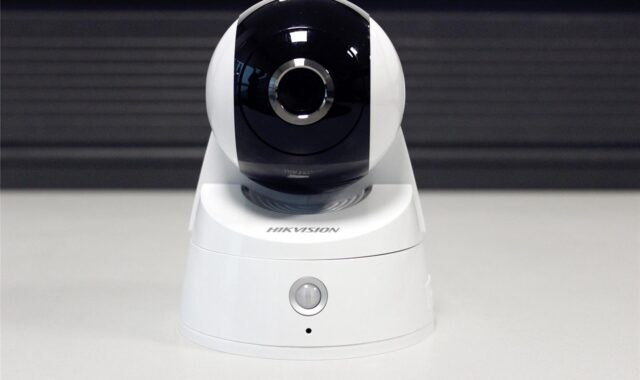
How to plan a dome security camera layout for safer sites
a[data-rs-seo-link]{text-decoration:underline!important;color:#1a56db!important;cursor:pointer!important;}a[data-rs-seo-link]{text-decoration:underline!important;color:#1a56db!important;cursor:pointer!important;}
Start with the role of the camera, not the camera shape
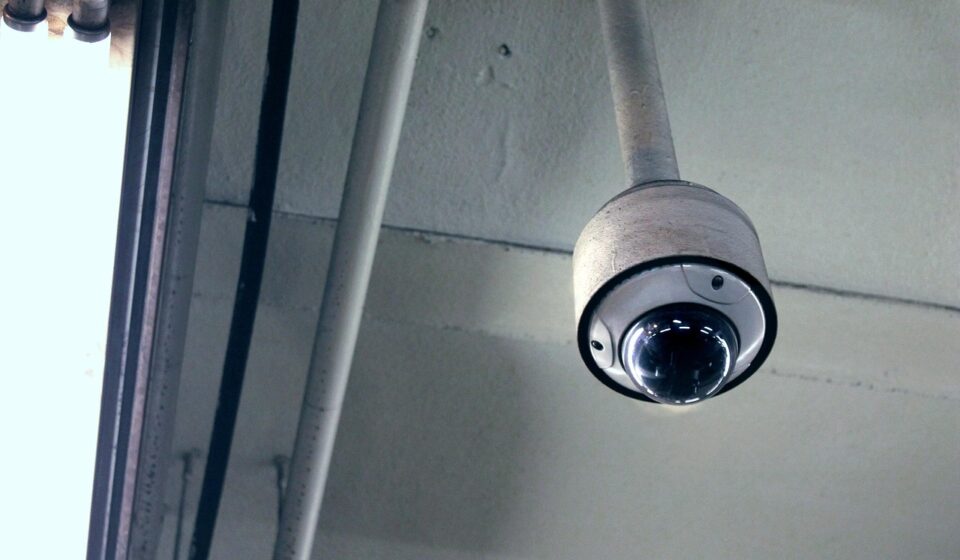
A dome security camera can be a practical choice for entrances, corridors, lobbies, service counters, parking areas, and semi-public spaces. Its housing is compact, less conspicuous than a bullet camera, and harder to casually redirect. Still, the dome shape itself does not make a site secure. A useful layout starts with the incident you need to detect, the image detail required, the lighting conditions, the mounting surface, the recording policy, and the network controls that protect the camera.
In practical site security planning, dome cameras should be treated as one part of a wider system. Depending on the site, that system may also include lighting, access control, signage, alarms, patrol procedures, and clear response rules.
The first planning question is not, “How many cameras do we need?” It is, “Which areas need observable, useful video, and what decision will that video support?” A front door camera may need facial detail at close range. A loading area camera may need a wider view of vehicle movement. A parking aisle camera may be most useful when it documents direction of travel, license plate context, and pedestrian activity, even if a separate specialized device handles plate capture.
What a dome camera does well
Dome cameras are widely used because the enclosure solves several practical problems. The dome helps protect the lens from casual contact, makes the viewing direction less obvious, and often suits ceiling or soffit mounting where a bullet camera would be more exposed. Models may be fixed-lens, varifocal, panoramic, infrared, outdoor-rated, vandal-resistant, or PTZ units, so “dome” describes the housing rather than a single performance level.
For layout planning, dome cameras are strongest in controlled approaches and transitional spaces. Common examples include entrances, vestibules, reception desks, elevator lobbies, hallways, covered walkways, stockroom doors, loading dock interiors, and parking-garage pedestrian routes. In these areas, people usually move along predictable paths, which makes it easier to choose a useful field of view and mounting height.
Dome cameras are less ideal when the site needs long-range identification, strong visual deterrence, or frequent manual aiming. A bullet camera can be more visible and easier to aim at a perimeter gate. A turret camera may reduce infrared reflection issues in some installations because its lens and IR emitters are not behind the same dome cover. When license plates are the primary objective, a dedicated license plate recognition camera is usually a better fit than a general-purpose dome.
Compare dome, bullet, and turret cameras before specifying
The right camera form factor depends on the environment. A dome can be the right choice in one zone and the wrong choice a short distance away. The comparison below is a planning shortcut, not a substitute for checking the exact model datasheet.
| Camera type | Common strengths | Common limitations | Typical planning fit |
|---|---|---|---|
| Dome | Compact profile, protected lens, less obvious viewing direction, ceiling-friendly installation | Dome cover can collect dust, scratches, water spots, or glare if poorly placed | Entrances, corridors, lobbies, indoor public areas, covered exterior points |
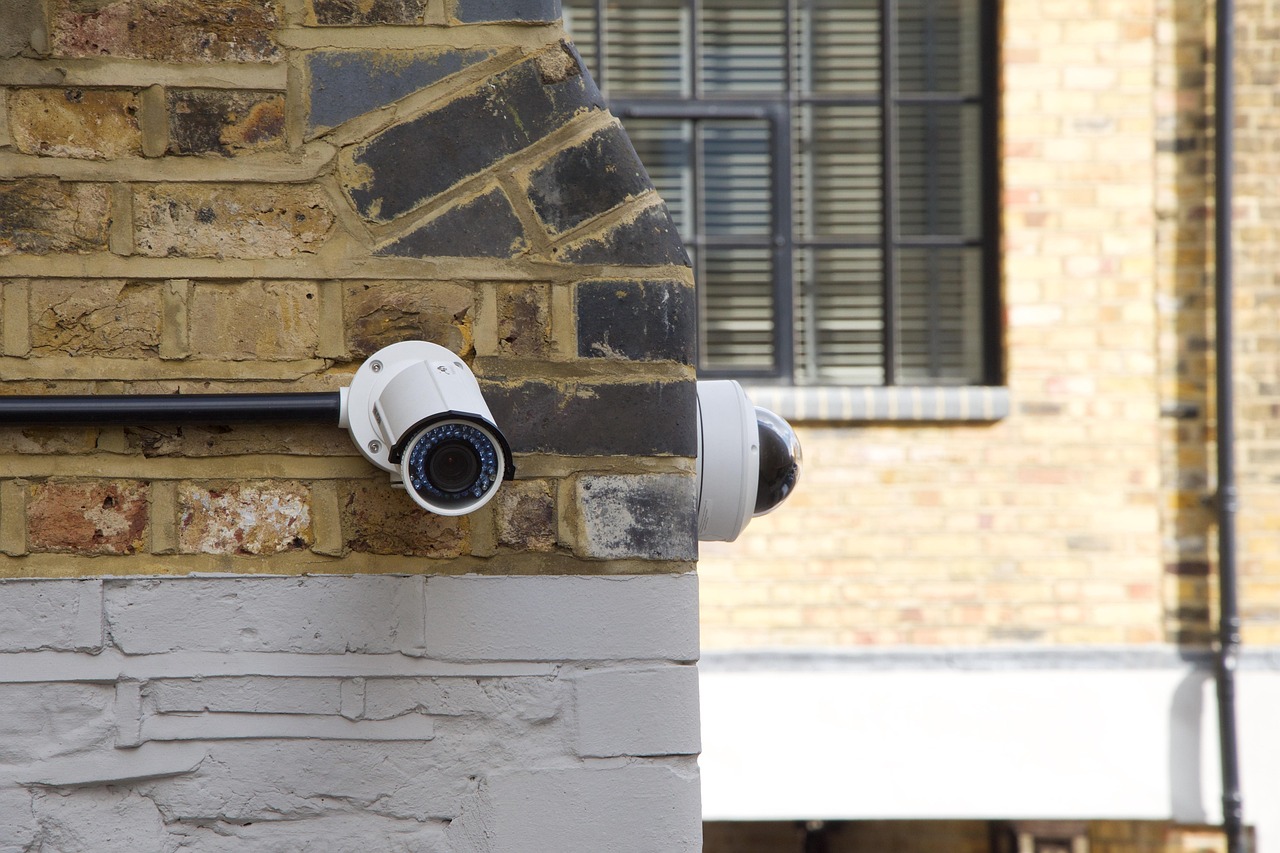
| Bullet | Visible deterrent, clear aiming direction, good for longer exterior views | More exposed to impact or repositioning if mounted within reach | Perimeters, fence lines, gates, building corners, driveways |
| Turret | Easy aiming, less prone to dome glare, compact housing | Viewing direction is more visible than a dome | Mixed indoor and outdoor coverage where fast adjustment is useful |
| PTZ dome | Can pan, tilt, and zoom for active monitoring | May miss events outside its current view unless supported by fixed cameras | Guard-monitored areas, large open spaces, event response support |
One common mistake is using a single PTZ dome to replace several fixed cameras. PTZ cameras can be valuable when an operator is actively monitoring them, but recorded evidence may be incomplete if the camera was looking elsewhere when an incident began. For unattended recording, fixed coverage of critical paths is usually more dependable.
Map the site into observation goals
Before selecting resolution or lens size, divide the site into observation zones. Each zone should have a defined purpose. A front entrance camera might need to identify visitors. A stairwell camera might need to show direction of travel. A warehouse aisle camera might need to verify activity around a restricted cage. A parking camera might need to document vehicle movement and pedestrian safety, not necessarily read every license plate.
Use these practical categories when planning:
- Detection: The camera shows that a person, vehicle, or object is present.
- Observation: The camera shows behavior, direction, and context.
- Recognition: The camera may help a viewer recognize a known person or vehicle under suitable conditions.
- Identification: The image has enough detail, angle, lighting, and clarity to support a stronger identification purpose.
These categories keep expectations realistic. A wide-angle dome that covers an entire lobby may be excellent for context but weak for facial detail at the far side of the room. A tightly framed entrance camera may capture useful facial detail but miss the wider event. Many strong layouts combine a wide overview camera with a narrower camera at the decision point.
Entrances and exits
Mount cameras so people naturally face the lens. Avoid relying on a single entrance camera mounted high above the door and looking down at the top of a head. If glass doors create strong backlighting, specify wide dynamic range and test the view at different times of day. A camera that looks acceptable at noon may struggle at sunrise or sunset.
Parking areas and exterior approaches
Research summarized by the College of Policing has found that CCTV has shown stronger crime-reduction effects in car parks than in many other settings, especially when used with better lighting and other measures. For planning, this supports a layered approach: cameras should not replace lighting, access control, visible patrols, or clear pedestrian routes.
Corridors, lobbies, and service counters
Dome cameras are often a good match for indoor circulation routes because a ceiling position can capture movement without making the space feel overly industrial. For service counters, avoid mounting directly above the interaction point if facial detail matters. A slightly offset camera at face height, or a second supporting camera, may provide more useful evidence.
Specifications that matter in a dome security camera
Resolution matters, but it should not be treated as the only specification. A higher-megapixel camera with the wrong lens, poor low-light performance, or weak network controls can still produce disappointing results. Evaluate the following features together.
- Lens and field of view: A wider lens covers more area but reduces detail at distance. Varifocal lenses provide flexibility during installation.
- Low-light performance: Check whether the site depends on infrared, visible lighting, or both. Dome covers can sometimes reflect infrared if the cover is dirty, scratched, or poorly sealed.
- Wide dynamic range: This helps in scenes with bright doors, windows, headlights, or reflective floors.
- Ingress protection: IEC 60529 defines IP ratings for enclosure protection against solids and water. Outdoor or wash-down locations should be matched to the actual exposure, not just the word “weatherproof.”
- Impact protection: IK ratings are associated with impact resistance. For public, school, transit, parking, or high-vandalism areas, a vandal-resistant housing may be more important than extra resolution.
- Interoperability: ONVIF profiles are often used to describe how IP cameras and video management systems work together. Profile T is commonly relevant for advanced video streaming, while other profiles may relate to recording, metadata, or legacy compatibility.
- Image quality testing: UL 2802 is one referenced standard for performance testing of camera image quality. It is useful when procurement teams need a more formal way to discuss image performance.
Do not rely only on marketing terms such as “HD,” “AI,” “night vision,” or “vandal proof.” Ask what the camera must show, at what distance, under which lighting conditions, and how the footage will be reviewed. See also: Access Control.
Cybersecurity and compliance are part of camera planning
Modern dome cameras are networked devices. They should be planned like other connected systems, not like passive electrical fixtures. NIST guidance on IoT cybersecurity emphasizes lifecycle thinking, including secure configuration, update management, identity, access control, and device monitoring. For cameras, that translates into practical steps: change default credentials, disable unused services, use separate camera networks where appropriate, keep firmware current, restrict remote access, and document who can view, export, or delete footage.
Procurement teams in the United States should also be aware that federal rules can affect video surveillance equipment in government, critical infrastructure, public safety, and federally funded contexts. FAR Section 889 and FCC Covered List actions have addressed certain telecommunications and video surveillance equipment from named suppliers for national security reasons. This does not mean every private business has the same procurement obligation, but buyers should verify supply-chain requirements before standardizing on a camera platform, especially for schools, municipalities, contractors, utilities, transportation sites, and government-adjacent facilities.
A practical security checklist should include manufacturer support status, firmware update policy, administrator role controls, encryption options, audit logs, ONVIF conformance verification when interoperability is required, and a documented end-of-life replacement plan. A low-cost camera can become expensive if it cannot be patched, integrated, or lawfully used in the intended environment.
Installation details that often decide success
Small installation choices can determine whether a dome security camera produces usable evidence. Mounting height is a typical example. If the camera is too low, it is easier to tamper with. If it is too high, faces may be less useful. A higher ceiling may require a narrower lens, a lower wall mount, or a second camera at the choke point.
Lighting is just as important. Cameras need consistent light on the subject, not only a bright background. Exterior domes near walls, soffits, or signs should be tested at night for IR bounce, glare, insects, rain droplets, and reflections. If the dome cover is exposed to dust, grease, salt, sprinklers, or vehicle exhaust, include cleaning in the maintenance plan rather than treating the camera as a set-and-forget device.
Recording design also matters. Define retention by business need, insurance expectations, legal obligations, and storage capacity. More days of retention are not always better if access is uncontrolled or if privacy rules require minimization. Decide who can review footage, who can export clips, how exports are logged, and how footage is protected from tampering.
Privacy, signage, and responsible use
Responsible camera planning avoids unnecessary surveillance. Do not place cameras where people have a strong expectation of privacy, such as restrooms, changing rooms, or private wellness areas. Be careful with audio recording because consent rules vary by jurisdiction and can be stricter than video rules. If audio is not required, disable it.
Use privacy masking where cameras border neighboring property, residential windows, desks, or areas outside the intended security purpose. Post clear signage where appropriate, and write an internal policy that explains why cameras are used, who manages them, how long footage is retained, and how access requests are handled. These steps do not reduce security value; they make the system easier to defend operationally and legally.
A practical dome camera planning checklist
- Define the incident types the camera must help detect, verify, or investigate.
- Walk the site during day, night, opening, closing, and peak activity periods.
- Mark choke points, entrances, cash-handling areas, restricted doors, parking routes, and blind spots.
- Choose the camera form factor by location, not by habit.
- Match lens, field of view, and resolution to the required level of detail.
- Check lighting, backlighting, IR reflection, glare, and weather exposure before final mounting.
- Specify IP and IK ratings where dust, water, impact, or vandalism risks exist.
- Verify VMS compatibility and ONVIF conformance if the system is mixed-brand.
- Document cybersecurity settings, firmware responsibility, user roles, and remote access rules.
- Set retention, export, privacy masking, signage, and maintenance procedures before the system goes live.
Frequently asked questions
Is a dome security camera better than a bullet camera?
Not always. A dome camera is often better for indoor public areas, covered entrances, and places where a compact, tamper-resistant housing is useful. A bullet camera may be better for visible deterrence, long exterior views, or locations where the camera should clearly signal its direction.
Can one dome camera cover an entire room?
It can provide an overview, but it may not provide enough detail for identification across the whole room. Large rooms often need a mix of overview coverage and tighter cameras at doors, counters, or other decision points.
Do dome cameras work well at night?
Many do, but performance depends on the sensor, lens, infrared design, lighting, and dome condition. Dirty or scratched dome covers can reduce clarity and may cause IR reflection. Night testing should be part of commissioning.
What height should a dome camera be mounted?
There is no universal height. The right height balances tamper resistance with a useful viewing angle. Cameras mounted too high may capture heads and shoulders instead of faces, while cameras mounted too low may be easier to block or damage.
Should dome cameras be connected to the main business network?
Usually, they should be segmented or otherwise controlled so camera traffic and camera vulnerabilities do not expose unrelated business systems. Access should be limited to authorized users, and remote viewing should be secured rather than left open for convenience.