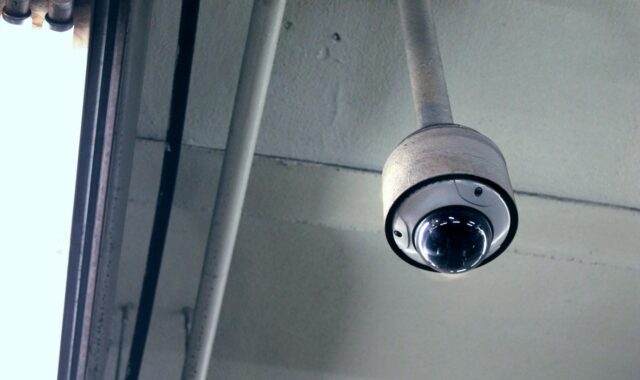
Indoor security camera planning for safer coverage and better privacy
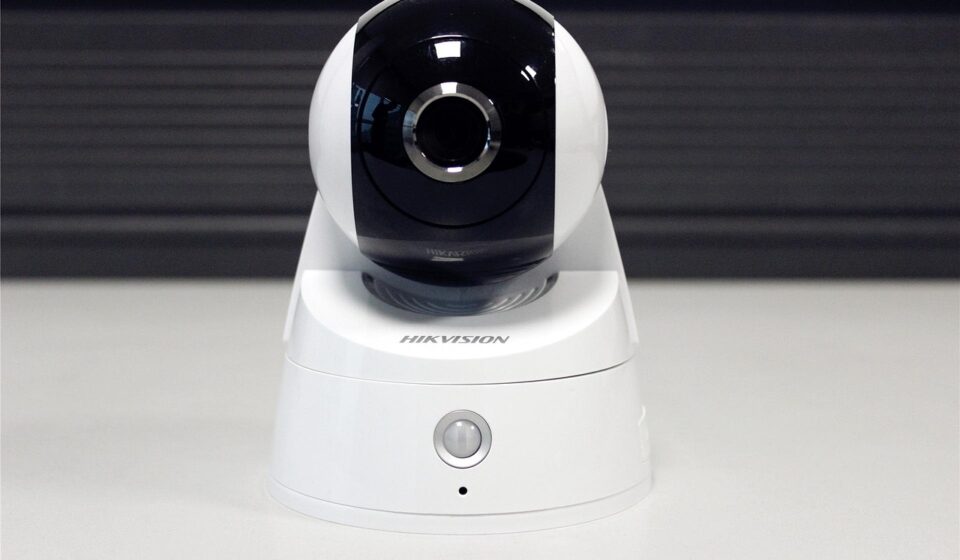
a[data-rs-seo-link]{text-decoration:underline!important;color:#1a56db!important;cursor:pointer!important;}a[data-rs-seo-link]{text-decoration:underline!important;color:#1a56db!important;cursor:pointer!important;}
Plan the camera before you buy it
An indoor security camera should be specified as a coverage tool before it is purchased, not treated as a gadget and fitted into the building later. The right location depends on what you need to verify: entry, movement through a corridor, access to a high-value area, safety around stairs, or activity near a reception desk. A sound plan also addresses privacy, audio recording risk, network security, storage, and who is allowed to view footage. In most homes and small sites, one well-placed camera at a choke point is more useful than several cameras pointed at open rooms with no clear purpose. Treat camera planning as part of broader site security planning, where video, lighting, access control, locks, alarms, and policies work together.
Map coverage by purpose, not by room count
The most common planning mistake is counting rooms instead of defining security questions. A camera should answer a specific question, such as who entered, when a delivery was brought inside, whether someone accessed a storage area, or what happened near a point of concern. If the camera does not support a clear question, it may create privacy exposure without improving security.
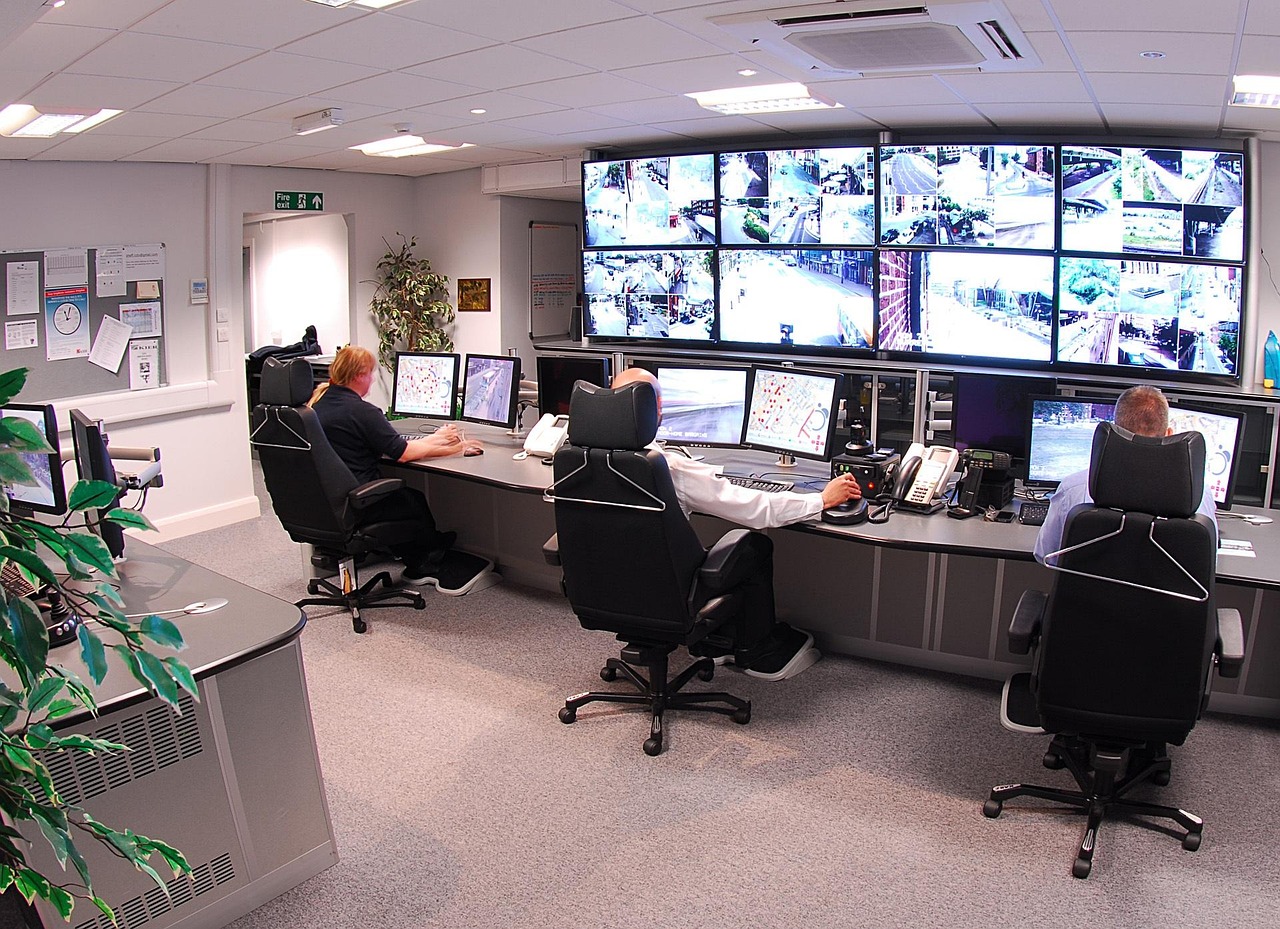
Start with a simple floor plan. Mark entry doors, interior corridors, stairwells, cash or asset storage points, reception areas, and the routes visitors or employees must use. Then mark spaces where cameras should generally be avoided, including bathrooms, changing areas, bedrooms, and other places where people reasonably expect privacy. For workplaces, shared housing, rental units, schools, healthcare settings, and similar environments, local rules and written policies should be reviewed before installation.
| Security purpose | Useful indoor locations | Planning caution |
|---|---|---|
| Entry verification | Interior side of main doors, lobby paths, reception approaches | Avoid backlighting from glass doors that can obscure faces. |
| Movement tracking | Hallways, stair landings, elevator approaches | Use only the view needed to identify movement direction. |
| Asset protection | Storage rooms, equipment rooms, point-of-sale areas | Do not capture sensitive screens, personal documents, or private activity unless necessary. |
| Safety review | Stairs, interior ramps, shared walkways | Balance safety visibility with notice to occupants. |
| After-hours awareness | Entrances, interior perimeter paths, key rooms | Pair cameras with lighting, door sensors, and alert rules. |
Fixed cameras usually work best when you need consistent evidence from a known angle. Pan-and-tilt cameras can cover more space, but they may be facing the wrong direction when an event occurs. Wide-angle cameras reduce blind spots, although very wide views can make faces and small details harder to identify. The best indoor security camera angle is usually the one that captures the decisive moment clearly, not the one that captures the largest possible area.
Choose features that support the plan
Feature lists can be distracting. Instead of shopping by the longest specification sheet, match features to the job the camera must perform. For a lobby or front hall, a clear view of faces, reliable motion alerts, and good handling of changing daylight may matter more than advanced tracking. For a storage room, dependable recording, restricted access, and clear timestamps may be more important than two-way talk.
- Resolution and image quality: Higher resolution can help with detail, but lighting, compression, lens quality, and viewing angle also affect whether footage is useful.
- Field of view: A wider field captures more area, while a narrower field can provide better detail at a specific point such as a door or counter.
- Low-light performance: Indoor corridors, garages, and utility rooms often have uneven lighting. Test the camera at the actual times it will be needed.
- Activity zones: Zones can reduce false alerts from windows, televisions, pets, or moving shadows.
- Person detection: Detection features can make alerts more useful, but they should be tested because accuracy varies by environment.
- Privacy controls: A physical shutter, scheduling, camera-off mode, status light, or privacy zones can reduce unnecessary recording.
- Audio controls: Built-in microphones may be convenient, but audio recording creates additional legal and privacy concerns.
- Local, cloud, or hybrid storage: The storage model affects cost, access, retention, resilience, and privacy.
Two-way audio is useful only when it has a clear purpose, such as speaking with someone at an entry point. In many indoor settings, continuous audio capture is unnecessary. Because U.S. recording consent rules vary by state and context, a conservative plan disables audio unless there is a documented reason and clear consent or notice.
Treat the camera as an internet-connected device
An indoor camera is also an internet-connected sensor with an app, account, firmware, cloud service, and sometimes shared user access. Cybersecurity therefore belongs in the camera plan. Public guidance from the Federal Trade Commission recommends securing home security cameras through router security, software updates, two-factor authentication where available, encryption settings, and careful review of remote viewing. CISA and NIST guidance for Internet of Things devices also emphasizes data protection, secure updates, access control, and reducing unnecessary exposure.
Use a security checklist before the camera is installed:
- Change default usernames and passwords immediately.
- Use a unique, strong password for the camera account and the connected email account.
- Turn on multi-factor authentication if the manufacturer supports it.
- Use WPA2 or WPA3 Wi-Fi security on the router.
- Consider a separate guest or IoT network for cameras and other smart devices.
- Enable automatic firmware updates when reliable, or schedule a recurring update check.
- Limit shared users and remove access for anyone who no longer needs it.
- Review access logs if the app provides them.
- Confirm how to delete footage, reset the device, and remove it from the account before resale or disposal.
In the United States, the FCC’s Cyber Trust Mark program is designed as a voluntary cybersecurity label for qualifying wireless consumer IoT products. For future camera purchases, that type of label and its associated product information can help buyers compare baseline security practices. It should not replace normal due diligence, because a label does not determine where the camera belongs, who should view the footage, or how long recordings should be kept.
Plan privacy, notice, and retention before recording
Video security works best when people understand why it exists and how it is controlled. Before installing an indoor security camera, decide what the camera may capture, who can view live and recorded footage, how long recordings will be retained, and when footage may be shared. These decisions should be made before an incident occurs, not during one.
Indoor cameras should generally avoid bedrooms, bathrooms, changing areas, and spaces used for private personal activity. In offices and commercial sites, be careful with break rooms, union activity areas, medical spaces, and screens showing customer or employee information. If the camera is used in a rental, workplace, school, healthcare, or shared living environment, get location-specific legal guidance before installation.
Retention should be limited to a practical period. Keeping every clip indefinitely increases privacy and breach risk. A small home may only need short event history. A small business may need longer retention for incident review, insurance, or operational reasons. Whatever period is chosen, document it and make sure the storage settings match the policy.
Access should also be role-based. A property owner may need full account administration. A family member, manager, or security contact may only need event alerts or limited live view. Shared passwords should be avoided because they make it difficult to remove access or investigate misuse. If a manufacturer app supports separate users and permissions, use them.
Compare storage, network, and power tradeoffs
Storage is not just a convenience feature. It determines how footage is protected, how easily it can be reviewed, and what happens when the internet is down. No single model is right for every site. See also: Access Control.
| Storage model | Strengths | Limitations |
|---|---|---|
| Cloud storage | Remote access, easier sharing, less local equipment | May require subscription, depends on internet access, involves third-party storage policies |
| Local storage | More direct control, can continue recording without cloud service | Device can be stolen or damaged, may need backups and maintenance |
| Hybrid storage | Combines local resilience with remote access | Usually more complex to configure and monitor |
Power planning is equally important. Plug-in cameras avoid battery charging but need cable placement and outlet access. Battery cameras are flexible, but they can fail at the wrong time if charging is neglected. In a small business, a camera covering a critical interior entry may deserve backup power through a suitable uninterruptible power supply for the router and network equipment, not just the camera itself.
Bandwidth also matters. Multiple cameras uploading high-resolution clips can strain a weak Wi-Fi network. If the camera is far from the router, test signal strength before relying on it. A camera that drops offline during busy hours is not part of a dependable security plan.
Install, test, and maintain the system
Installation is not finished when the camera appears in the app. Walk through the space and test the exact conditions that matter: daytime glare, nighttime darkness, doors opening, people moving through the frame, pets, reflections, and alert timing. Save sample clips and check whether a person, object, or event can actually be identified.
Use this maintenance rhythm:
- After installation: Confirm camera angle, alert zones, Wi-Fi strength, firmware version, account security, and storage settings.
- Monthly: Check that the camera is online, the lens is clean, the app still sends alerts, and the clock or timestamp is correct.
- Quarterly: Review shared users, retention settings, privacy zones, and firmware updates.
- After staffing or household changes: Remove users who no longer need access.
- Before replacing a camera: Export needed evidence, delete stored data, unlink the camera from the account, and factory reset it.
Maintenance is where many camera plans fail. A camera with a dead battery, outdated firmware, expired subscription, blocked lens, or forgotten password can create a false sense of security. A simple system record helps prevent that. Note camera locations, account owner, storage type, support period, subscription status, and review schedule.
Frequently asked questions
Where should an indoor security camera be placed first?
Start with the interior side of the main entry or another unavoidable path where people pass naturally. This usually provides more useful evidence than placing a camera in the center of a large room. After that, consider corridors, stairwells, or asset areas based on your risk map.
Should an indoor camera record continuously or only on motion?
Motion recording is usually enough for homes and many small sites because it reduces storage use and limits unnecessary footage. Continuous recording may be justified for higher-risk areas, but it requires more storage, clearer retention rules, and stronger privacy controls.
Is cloud storage or local storage safer?
Neither is automatically safer. Cloud storage can simplify remote access and protect footage if a camera is stolen, but it depends on the provider’s account security and data practices. Local storage gives more direct control but can be lost if the device is damaged or taken. The safer option is the one you can secure, maintain, and review consistently.
Can an indoor security camera record audio?
Many cameras can record audio, but that does not mean audio should be enabled. Recording consent laws vary by state and situation, and workplaces or rental properties may have additional rules. If audio is not necessary, disable it. If it is necessary, use clear notice and get appropriate legal guidance.
How many indoor cameras are enough?
Enough cameras means enough coverage to answer your defined security questions. One well-positioned indoor security camera at a key entry point may be more valuable than several cameras with overlapping views. Add cameras only where they solve a specific coverage gap.