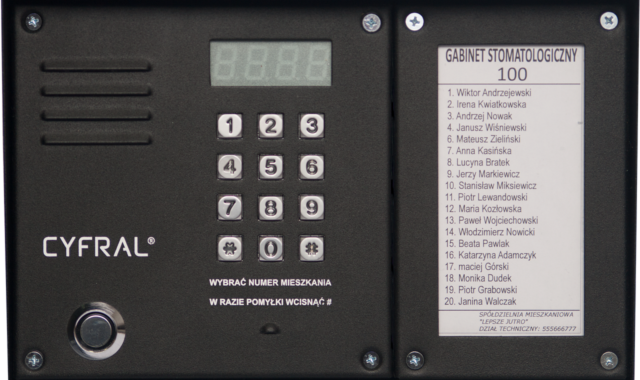
Door access control explained for commercial entry security
a[data-rs-seo-link]{text-decoration:underline!important;color:#1a56db!important;cursor:pointer!important;}a[data-rs-seo-link]{text-decoration:underline!important;color:#1a56db!important;cursor:pointer!important;}
What door access control means in practice
Door access control uses electronic hardware, credentials, software and operating rules to decide who may enter a protected opening. In a commercial building, a controlled door commonly includes a reader, controller, electric lock, door position monitoring and an audit trail. The purpose is broader than replacing a mechanical key. A well-planned system reduces uncontrolled key duplication, supports time-based permissions, records access events and helps security teams respond when a door is forced or held open.
The main design issue is balance. A door can be secured against unauthorized entry while still allowing safe egress from the inside. That is why access-controlled doors must be planned around life-safety rules, fire-alarm interfaces, power behavior, door hardware and local authority requirements. The right solution depends on the door type, occupancy, risk level and operating workflow, not only on the reader or credential.
For broader background on related systems, see the Access Control section.
The parts of a door access control system
A typical access-controlled opening is a small system made from several interdependent parts. If one part is selected without considering the others, the result can be insecure, unreliable or difficult to maintain.
- Credential: The item or factor used to identify the user, such as a card, fob, mobile credential, PIN or biometric factor.
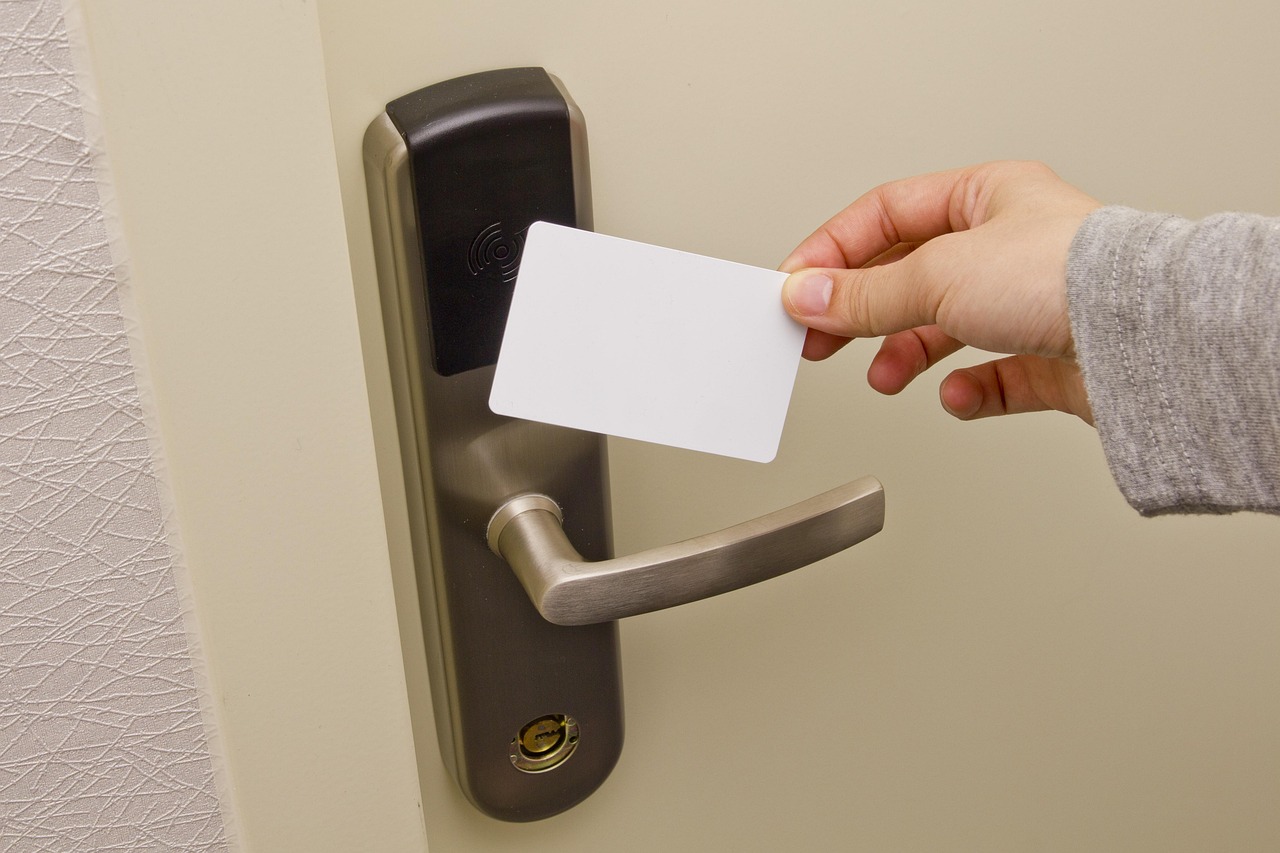
- Reader: The device at the door that reads the credential and passes data to the controller or access platform.
- Controller: The decision-making device or module that checks permissions, schedules and door status before unlocking.
- Locking hardware: The electric strike, electrified lock, magnetic lock or exit hardware that physically secures the opening.
- Door position switch: A sensor that reports whether the door is open or closed.
- Request-to-exit device: A sensor, switch or mechanical action used to distinguish authorized exit from forced entry, depending on the design.
- Power supply and backup: The power infrastructure that supports the lock, reader, controller and release behavior during outages.
- Management software: The platform used to add users, assign schedules, review events and investigate alarms.
The system also needs clear policies. Who approves access changes? How quickly are lost credentials disabled? Which doors require two-factor access? How long are logs retained? These operating decisions are as important as the equipment list.
Choosing the right locking method for the door
The locking method should match the opening, the code path and the required failure mode. A rear service door, main lobby entrance, IT room, stairwell door and healthcare unit door may all need different hardware even if they use the same management software.
| Locking method | Common use | Key planning point |
|---|---|---|
| Electric strike | Retrofitting many cylindrical or mortise lock openings | Often preserves mechanical egress through the lockset, but compatibility with latch type, frame and fire rating must be checked. |
| Electrified lockset | Office doors and controlled interior openings | Can offer a clean installation and familiar operation, but wiring through the door and hinge area must be planned. |
| Magnetic lock | Glass doors, aluminum storefronts and some special applications | Requires careful egress design because the lock releases electrically rather than mechanically. |
| Exit device with electrified trim or latch retraction | Assembly, education, retail and other doors with panic or fire exit hardware | Useful where code requires panic hardware, but power, timing and dogging rules must be reviewed. |
| Wireless or offline lock | Interior offices, storage rooms and lower-traffic doors | Can reduce wiring cost, but battery management, update frequency and event retrieval should be understood. |
Fail-safe and fail-secure behavior is often misunderstood. A fail-safe lock unlocks when power is lost. A fail-secure lock remains locked from the secure side when power is lost, while the inside egress method may still operate mechanically. Neither option is universally better. Exterior perimeter security, fire alarm requirements, emergency response, staff workflow and local code interpretation all affect the correct choice.
Safety, codes and standards that shape access-controlled doors
Access control cannot be treated as a security-only project. In the United States, workplace exit-route guidance from OSHA, model building and fire codes, NFPA 101 life-safety provisions, the International Building Code and local amendments may affect how electrically locked doors are permitted to operate. The authority having jurisdiction can also interpret details for a specific building or occupancy.
A practical rule for most commercial projects is that people must be able to leave safely without keys, tools or special knowledge where the door is part of a required exit route. Depending on the door and locking method, this may require listed exit hardware, direct lock release, a fire-alarm interface, emergency release devices, sensor release, delayed-egress features or other measures. These details should be confirmed before equipment is ordered, not after installation.
Product standards also matter. UL 294 is commonly associated with access control system units in North America. OSDP, developed by the Security Industry Association, is widely used for communication between readers and controllers and can support Secure Channel encryption when implemented and enabled. NIST guidance is relevant in federal and high-assurance environments, especially where PIV credentials and identity assurance are part of the physical access control strategy. ONVIF profiles and network interface specifications can matter where access control devices need to integrate with video, door control or multi-vendor platforms.
These references do not replace local review. They provide a framework for asking better questions: Is the equipment listed for the intended use? Does the door release correctly during power loss or alarm conditions? Does the design preserve required egress? Are reader communications protected? Can the system produce useful audit records?
Credential and communication choices are security decisions
The credential is often the most visible part of door access control, but it is also one of the most common weak points. Older proximity cards that rely on static identifiers may be convenient, but they can be easier to copy than modern smart credentials that use cryptographic authentication. PIN-only access may be acceptable for low-risk interior areas, but it is vulnerable to sharing and observation. Biometric readers can improve assurance in selected environments, but they add privacy, enrollment and fallback considerations.
Mobile credentials are increasingly common because they can be issued and revoked without handing out a physical card. They can also support user-friendly workflows, such as wallet-based credentials or app-based access. Even so, mobile access should be evaluated like any other credential method. Administrators should understand how identities are verified, how phones are replaced, what happens when a battery dies and whether the system supports appropriate revocation and logging.
Reader-to-controller communication also deserves attention. Legacy Wiegand connections are still present in many buildings, but they are typically one-way and limited in supervision compared with modern alternatives. OSDP offers bidirectional communication and, with Secure Channel enabled, encrypted reader communication. The key detail is configuration: support for a secure protocol does not automatically mean it is enabled correctly on every door.
How to specify door access control for one door or many doors
A useful specification starts with the opening, not the software screen. Before choosing a platform, document the door type, frame, existing lock, fire rating, swing direction, expected traffic, nearby power, network availability and role in the egress path. Photos and hardware schedules can prevent expensive surprises. See also: Alarm and Detection.
For a single controlled office door, the priority may be a clean retrofit and simple credential management. For a multi-site organization, the priority may be centralized administration, consistent credential policy, audit reporting and integration with identity systems. For a school, healthcare facility or critical infrastructure site, priorities may also include lockdown functions, visitor flow, emergency operations and higher-assurance credentials. The same phrase, door access control, can describe very different risk profiles.
A planning checklist should include:
- Which doors truly need electronic control and which only need mechanical rekeying or monitoring?
- Which doors are part of required egress routes?
- What locking hardware is compatible with each frame, door and fire rating?
- Should the opening be fail-safe, fail-secure or mechanically free-egress?
- How will the door behave during power failure, fire alarm activation and network loss?
- What credential types are accepted today, and which should be phased out?
- How are users added, changed and removed?
- Who reviews alarms for forced door, held door and repeated denied access?
- How long are access logs retained, and who may view them?
- Can the system scale to additional buildings, elevators, gates or parking entries?
The useful comparison is security value versus operational burden. A door that creates constant nuisance alarms will eventually be bypassed. A system that is too hard to administer will accumulate outdated permissions. A highly secure credential loses value if former employees remain active in the database. Good access control is an ongoing process, not a one-time installation.
Common mistakes to avoid
One frequent mistake is treating every door the same. Exterior doors, stair doors, fire-rated doors and high-value interior rooms have different requirements. Another mistake is focusing on the reader while ignoring the lock, closer, latch alignment and door condition. If the door does not close and latch consistently, the access control system cannot secure it consistently.
A third mistake is failing to define responsibility. Security teams may own permissions, facilities teams may own door hardware, IT may own networks and HR may own employment status. Without a clear process, access rights can lag behind role changes. The best systems connect these responsibilities through documented procedures, scheduled audits and exception reporting.
Finally, do not assume that cloud, mobile or encrypted technology automatically solves the basics. Strong door access control still depends on correct hardware, safe egress, reliable power, accurate users, reviewed logs and tested emergency procedures.
Frequently asked questions
What is the main purpose of door access control?
The main purpose is to control entry to a door based on identity, permission and schedule while creating a record of access events. It can reduce dependence on mechanical keys and make it easier to change permissions when people or risks change.
Is a magnetic lock better than an electric strike?
Not necessarily. A magnetic lock may be suitable for some glass or storefront applications, but it requires careful egress and release design. An electric strike can be a better retrofit for some framed doors. The correct choice depends on the door, code path, hardware, risk level and required failure behavior.
Can door access control work during a power outage?
Yes, but only if the system is designed for that condition. Backup power, lock failure mode and emergency release behavior must be specified. Some openings must unlock under defined conditions, while others may remain secured from the outside while still allowing safe egress.
Are mobile credentials more secure than cards?
They can be, but security depends on implementation. Mobile credentials may reduce card handling and support fast revocation, but administrators should evaluate identity verification, device replacement, offline behavior, privacy and audit controls.
How often should access permissions be reviewed?
High-risk doors should be reviewed more frequently, especially after staffing changes, contractor turnover or incidents. Many organizations benefit from scheduled access reviews, automatic removal workflows and reports that identify unused or unusual access rights.