House security cameras planning guide for safer coverage and privacy
a[data-rs-seo-link]{text-decoration:underline!important;color:#1a56db!important;cursor:pointer!important;}a[data-rs-seo-link]{text-decoration:underline!important;color:#1a56db!important;cursor:pointer!important;}
Plan coverage before choosing cameras
House security cameras work best when they are planned as part of a wider security layout, not purchased as stand-alone gadgets. Start with the places where people actually approach, enter, park, receive packages, or move out of view from the street. Then match each location with the right field of view, lighting, storage method, and privacy setting.
The aim is not to record everything. A better goal is to capture usable evidence, receive relevant alerts, reduce blind spots, and avoid new risks from weak passwords, exposed livestreams, unnecessary audio recording, or cameras aimed at private spaces.
This guide focuses on practical planning for homeowners and small residential sites. It draws on widely used consumer security guidance from the Federal Trade Commission, smart home cybersecurity guidance from NIST, and home network hardening principles commonly recommended by U.S. cybersecurity agencies.
Map the risks you actually need to see
Before comparing camera features, make a simple site map. Mark doors, walkways, driveway areas, side gates, ground-floor windows, detached garages, sheds, package drop points, and dark corners. Then decide what each camera must prove if something happens.
A porch camera may need to identify a face and show package movement. A driveway camera may need to show vehicles, direction of travel, and license plate context, although dependable plate capture usually requires careful angle, lighting, and resolution. A backyard camera may be used mainly for motion alerts rather than identification.
The most common planning mistake is confusing visibility with evidence. A very wide view can show that someone was present but fail to capture a useful face. A camera mounted too high may reduce tampering risk but record only the top of a head. A camera pointed into bright sunlight may produce glare at the exact time of day when activity occurs. Planning should therefore start with the purpose of each scene, not with the number of cameras.
| Area | Main purpose | Planning priority | Common limitation |
|---|---|---|---|
| Front door | Visitors, deliveries, attempted entry | Face-level view, package area, night visibility | Backlighting from porch lights or sun |
| Driveway | Vehicles, garage activity, approach path | Coverage of vehicle doors and walking route | License plates may blur without the right angle and light |
| Side gate | Unwanted access outside public view | Narrow, well-lit approach view | Wi-Fi signal often weak on side walls |
| Backyard | Patio, shed, rear entry, pool or play area awareness | Motion zones and privacy boundaries | Too many alerts from pets, trees, or neighbors |
| Interior entry area | Confirmation after a door opens | Limited view of entry path only | Greater privacy sensitivity inside the home |
For broader residential and commercial layout thinking, review related site security planning principles before finalizing placement.
Choose camera types around the site plan
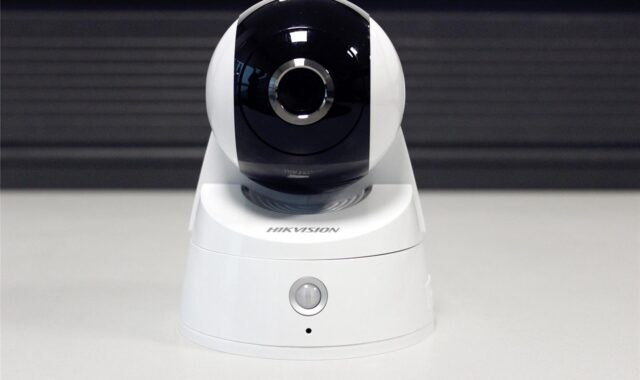
Once the site map is clear, choose camera types that match the job. A video doorbell can work well for visitors and deliveries, but it may not cover a driveway or side approach. A fixed outdoor camera is often better for a gate, garage, or backyard because it can be positioned for one defined angle. Floodlight cameras can improve visibility in dark areas, but they should be aimed carefully so they do not shine directly into a neighbor’s window or wash out the image. Indoor cameras should be used sparingly and only where the security value is clear.
Resolution matters, but it is not the only factor. Lens angle, sensor quality, night performance, compression, mounting height, and lighting can matter as much as pixel count. A camera that records high-resolution video from a poor angle may still fail to identify a person. Likewise, strong night vision can still struggle when the camera faces reflective glass, headlights, or bright porch lighting.
Wired, wireless, and battery-powered options
Wired cameras can be more reliable where continuous recording is important, especially if they use Power over Ethernet or another stable power source. They also reduce the need to recharge batteries. Wireless cameras are easier to install and relocate, but they depend on Wi-Fi quality and may not record consistently if the signal is weak. Battery-powered cameras are convenient for areas without wiring, yet they often rely on motion-triggered recording to conserve power. That can be acceptable for alerts, but it may miss the beginning of an event.
Local storage, cloud storage, or both
Cloud storage can make footage easier to access if a camera is stolen or damaged, but it creates dependence on the vendor’s account security, subscription terms, retention settings, and data practices. Local storage can reduce cloud exposure and recurring costs, but the recorder or memory card must be protected from theft, damage, and tampering. A balanced approach is to use local storage for routine recording and cloud backup only where off-site access is truly needed.
When evaluating any connected camera, look for clear information about software updates, account security, encryption, user permissions, and how long the manufacturer supports the device. NIST consumer IoT guidance emphasizes that smart devices should support secure configuration, updates, and clear information for users. In practical terms, a bargain camera with unclear update support may become a liability even if the image looks acceptable on day one.
Place cameras for usable evidence
Camera placement should answer three questions: what must be seen, from what angle, and under what lighting conditions? For entrances, a camera around face height or slightly above can provide better identification than a camera mounted under a high roofline. For driveways, the view should show the path a person takes after leaving a vehicle, not only the vehicle itself. For side yards, a narrower view along the path often produces better detail than a wide view across the entire wall.
Avoid aiming cameras directly at the sky, bright streetlights, reflective windows, or high-contrast backgrounds. Test the view in daylight, at dusk, and after dark. Many problems only appear at night, including infrared reflection from glass, glare from headlights, insects triggering motion alerts, or a porch light turning faces into silhouettes. If a camera allows activity zones, mask out public sidewalks, moving trees, busy streets, and neighboring property where possible. This reduces false alerts and supports privacy by design.
- Front door: cover the person’s face, the door hardware, and the package drop area.
- Garage and driveway: capture the approach path and vehicle access points rather than only the center of the driveway.
- Side gate: use a tight angle and add lighting if the area is dark.
- Rear entry: cover the door and nearby approach route, not the entire backyard unless needed.
- Interior camera: limit the view to an entry corridor, utility room, or other low-privacy area.
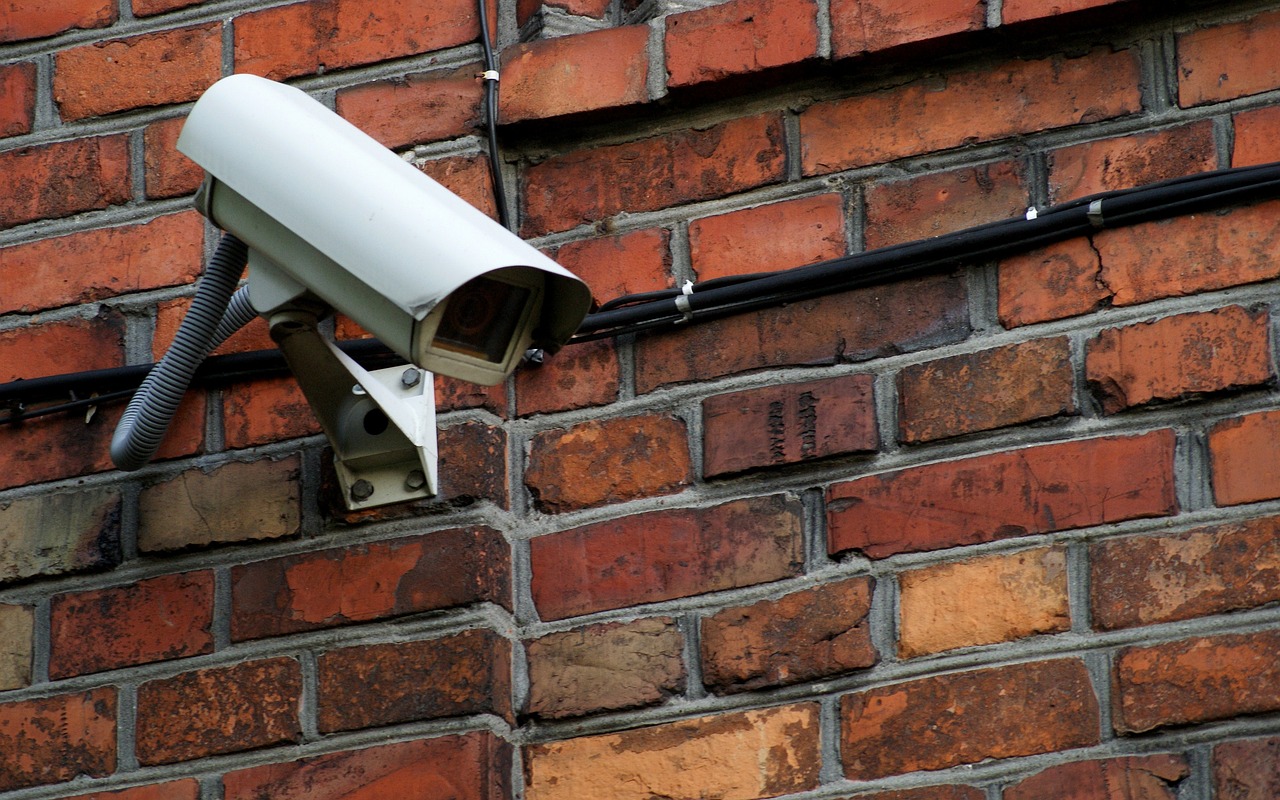
Physical security matters too. Outdoor cameras should be mounted where they are difficult to reach without a ladder, but not so high that identification becomes impossible. Cables should be protected, mounts should be weather-appropriate, and the camera should be rated for the conditions it will face. If a device depends on Wi-Fi, test signal strength at the exact mounting point before drilling holes.
Secure cameras as part of the home network
Modern cameras are networked computers with lenses. That means a camera plan is incomplete without account and network security. FTC consumer guidance for home security cameras recommends changing default settings, using strong passwords, enabling two-factor authentication where available, keeping software updated, and thinking carefully before enabling remote viewing in private spaces. NIST smart home guidance also stresses unique passwords, two-factor authentication, updates, and replacing devices that no longer receive security support.
Start with the account. Use a unique password that is not reused from email, shopping, or social media accounts. Enable two-factor authentication if the camera app offers it. Review shared users and remove anyone who no longer needs access. If the system allows multiple permission levels, give administrator rights only to the person responsible for configuration. A user who only needs to view clips should not be able to add accounts, change recording settings, or rotate a camera. See also: Access Control.
Then secure the network. Use a modern router with current firmware, a strong Wi-Fi password, and WPA2 or WPA3 security. If the router supports a guest or IoT network, consider placing cameras and other smart devices there instead of on the same network used for laptops and work devices. This does not make cameras risk-free, but it can limit exposure if one device is compromised. Avoid unnecessary port forwarding unless you understand the risk. Remote access through the vendor’s app is not automatically safer, but open router ports can create avoidable exposure.
- Turn on automatic updates when the camera and app support them.
- Change default usernames and passwords during setup.
- Disable unused features such as public sharing, voice control, or remote viewing if they are not needed.
- Check account login history or access logs if the system provides them.
- Remove old devices from the app before selling, recycling, or giving them away.
Privacy and cybersecurity are connected. The FTC’s actions involving connected camera companies, including its Ring matter and later security camera enforcement activity, show why users should not treat vendor access, employee permissions, or cloud storage as background details. A camera inside or around a home may capture children, guests, routines, vehicles, and conversations. That information deserves the same level of protection as other sensitive household data.
Set recording rules that respect privacy and local law
A responsible camera plan limits collection to what is necessary. Avoid pointing cameras into bedrooms, bathrooms, changing areas, or places where people reasonably expect privacy. Be careful with indoor cameras in shared homes, rental units, and spaces used by guests, caregivers, contractors, or children. If the security goal can be met with a door sensor, smart lock log, or exterior camera, an indoor camera may not be necessary.
Audio deserves special caution. In the United States, recording laws vary by state, and some situations require consent from all parties to a conversation. Even where video monitoring is allowed, audio recording can create separate legal and privacy issues. Because laws change and facts matter, homeowners should review local requirements or seek legal advice before recording conversations, especially in areas where visitors or workers may be present. When in doubt, disabling audio is often the safer planning choice.
Neighbor privacy is also part of good site planning. Cameras should generally focus on your own doors, driveway, yard, and structures. Use privacy masks or activity zones to reduce capture of adjacent yards, windows, and sidewalks. Clear placement reduces conflict and can improve system performance by cutting unnecessary motion alerts. If a camera must cover a shared area such as a townhouse walkway or condominium corridor, check association rules, lease terms, and local requirements before installation.
Retention settings should also be intentional. Keeping every clip forever increases exposure if an account is compromised. Shorter retention may be enough for routine security, while critical events can be downloaded and preserved separately. If cloud recording is used, review how long footage is stored, who can access it, how it can be deleted, and whether subscription cancellation affects access to older clips.
Maintain the system after installation
A camera system that works on installation day can become less useful over time. Plants grow into the view. Wi-Fi conditions change. Batteries age. Firmware updates may reset settings. New household routines can create different blind spots. Schedule a simple review at least a few times per year and after any major change such as a new router, landscaping work, exterior lighting changes, or a home renovation.
| Task | Suggested timing | Why it matters |
|---|---|---|
| Review camera views in day and night conditions | Quarterly | Confirms that lighting, glare, and vegetation have not reduced value |
| Check firmware and app updates | Monthly or automatic | Security fixes often arrive through software updates |
| Review user access and shared accounts | Quarterly | Removes unnecessary viewing or admin rights |
| Test alerts and recording playback | Monthly | Confirms motion events are being captured and saved |
| Inspect mounts, cables, and weather seals | Twice per year | Prevents physical failure and tampering problems |
Replace cameras that no longer receive security updates, cannot support strong authentication, or force risky configuration choices. A camera does not have to be old to be unsuitable. If the manufacturer provides unclear support information, weak account controls, or no reliable update path, it may not belong in a modern home security plan.
Frequently asked questions
How many house security cameras does a typical home need?
There is no universal number. Many homes start with the front door, driveway or garage, and one side or rear entry point. Larger properties, corner lots, detached garages, and homes with multiple approach paths may need more. The better question is whether each camera has a defined purpose and captures usable detail.
Should cameras record continuously or only when motion is detected?
Continuous recording can provide more context, but it requires more storage, power, and review time. Motion recording is efficient, especially for battery cameras, but it may miss the start of an event if detection is delayed. For critical areas such as main entrances, wired cameras with continuous or pre-event recording may be worth considering.
Are wireless cameras secure enough?
Wireless cameras can be appropriate if the Wi-Fi network, camera account, and device updates are managed properly. Use a strong router password, WPA2 or WPA3 security, unique camera account credentials, two-factor authentication, and regular updates. If Wi-Fi is weak at the mounting point, reliability may be the bigger issue than security.
Is cloud storage better than local storage?
Neither option is automatically better. Cloud storage can preserve footage if a camera is stolen, but it depends on vendor practices and account security. Local storage gives more direct control but can be lost if the recorder is stolen or damaged. Many households benefit from local recording with selective cloud backup for important areas.
Where should security cameras not be placed?
Avoid bedrooms, bathrooms, changing areas, and views into neighboring private spaces. Use indoor cameras only where the security need is clear, and be especially cautious with audio recording. Privacy-conscious placement makes the system easier to live with and less likely to create disputes.