How to choose the best outdoor security cameras for a safer site
a[data-rs-seo-link]{text-decoration:underline!important;color:#1a56db!important;cursor:pointer!important;}a[data-rs-seo-link]{text-decoration:underline!important;color:#1a56db!important;cursor:pointer!important;}
The right outdoor camera starts with the site, not the spec sheet
The best outdoor security cameras are the ones that capture usable evidence in the right places, stay online in bad weather, protect recorded footage and fit the way the property is actually managed. A high-resolution camera can still fail if it faces glare, misses the gate, depends on weak Wi-Fi or stores video without proper access controls. For homes, small businesses, parking areas and mixed-use properties, the practical choice is usually a balanced system: fixed cameras for entrances and perimeters, wider-view cameras for open areas, and stronger cybersecurity settings for every device. Instead of chasing a universal ranking, start with the site’s risks, lighting, mounting points, retention needs and privacy limits.
Start with a site security plan
Outdoor camera selection should begin with a written plan. It does not need to be complex, but it should define what the cameras must prove: who entered, which vehicle arrived, what object was moved, when an event happened and whether the image is clear enough to act on. This approach also helps avoid spending on low-risk zones while leaving entrances, driveways, gates or loading areas under-covered.
For broader planning guidance, use the site layout, risk mapping and maintenance ideas in site security planning before choosing models or subscriptions.
Map assets, access points and blind spots
Walk the site during the day and after dark. Mark doors, gates, parking spaces, pathways, delivery points, trash enclosures, utility equipment and secluded corners. Then decide whether each location needs recognition, detection or general awareness. Recognition means a clear view of a face, license plate or identifying detail. Detection means knowing that a person or vehicle entered an area. General awareness means understanding movement patterns without needing fine detail.
Set image goals before choosing resolution
Resolution matters, but it is not the only measure of useful video. A 4K camera with a wide field of view may spread pixels across too large an area to identify a face at distance. A 2MP or 4MP camera with the right lens and angle can outperform a higher-resolution model at a narrow entrance. Define the target distance, field of view and lighting condition for every camera position before deciding whether 2MP, 4MP, 5MP or 8MP is appropriate.
Compare camera types by risk and environment
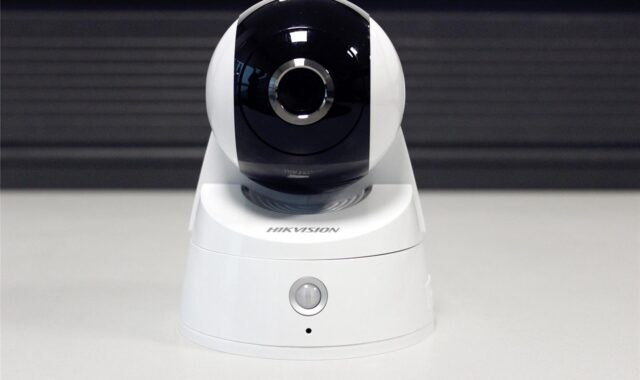
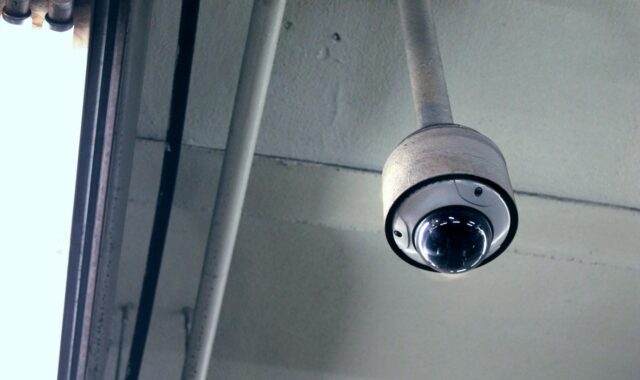
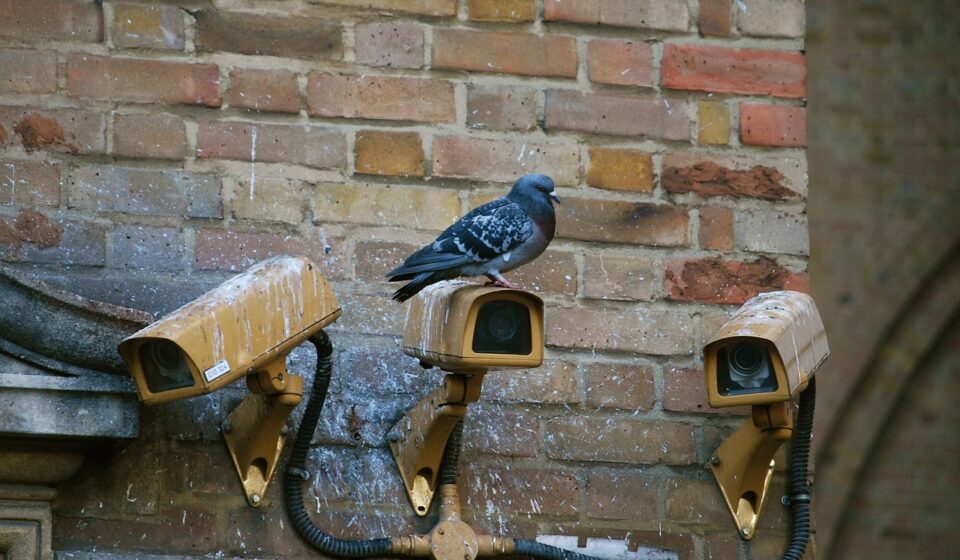
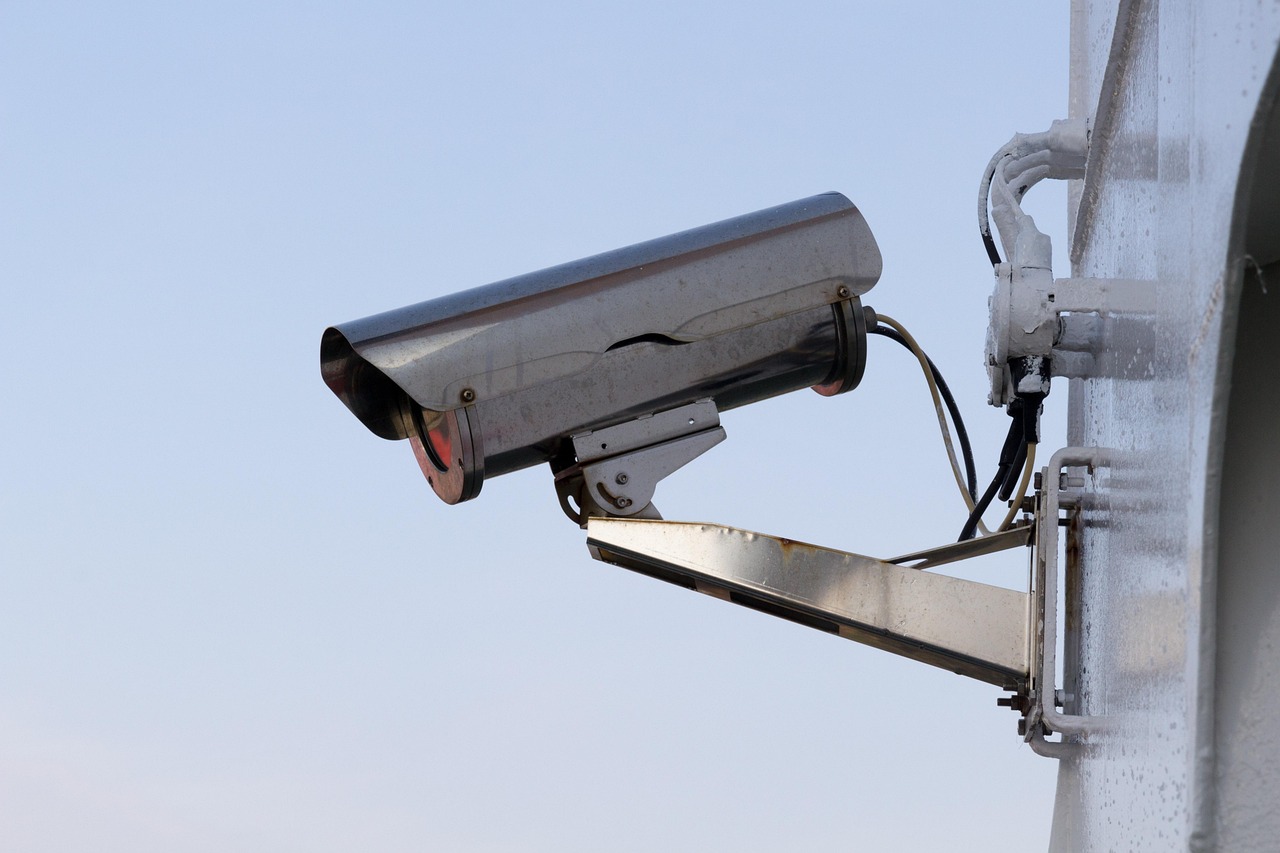
Different outdoor cameras solve different site problems. A visible bullet camera can help deter activity at a driveway or loading door. A vandal-resistant dome can work better where people can reach the device. A turret camera can reduce infrared reflection problems that sometimes affect domes. Pan-tilt-zoom cameras can cover large areas, but they only record where they are pointed at that moment unless they are paired with fixed cameras.
| Camera type | Best fit | Main limitation |
|---|---|---|
| Bullet camera | Driveways, perimeters, gates and long approaches where a visible camera is acceptable | More exposed to tampering and may need careful aiming to avoid glare |
| Dome camera | Entrances, public-facing walls and areas where vandal resistance or discreet appearance matters | Dirty or scratched domes can reduce night performance |
| Turret camera | General outdoor coverage, porches, small business entrances and areas using infrared at night | Often less tamper-resistant than a well-protected dome |
| PTZ camera | Large yards, lots, campuses and active monitoring stations | Can miss events outside its current view if not supported by fixed cameras |
| Floodlight camera | Residential driveways, yards and side entrances where light is also useful | May create glare or nuisance lighting if aimed poorly |
| Doorbell camera | Front entries and package monitoring | Narrow use case and usually not a substitute for perimeter coverage |
For most sites, the strongest design combines camera types rather than relying on one style. Fixed cameras should cover high-value chokepoints continuously, while PTZ or wide-view cameras can add context. If a site has frequent trespassing, theft or vandalism, prioritize tamper-resistant mounting, reachable cable protection and overlapping fields of view.
Image quality features that actually change results
Outdoor video is difficult because light changes constantly. Sun, headlights, reflective glass, shadows, rain, insects and low-light conditions can all reduce image value. For that reason, the best outdoor security cameras should be judged by scene performance, not just by the resolution number printed on a box.
- Lens and field of view: A wider angle captures more context but less detail at distance. Narrower lenses work better for gates, doors and lanes where identification matters.
- Wide dynamic range: WDR helps when bright and dark areas appear in the same scene, such as a doorway with sunlight behind a visitor.
- Low-light performance: Larger sensors, better image processing and appropriate infrared illumination can matter more than extra megapixels after dark.
- Night color options: Some cameras provide color at night when there is enough ambient light or when a built-in light activates. This can help with clothing and vehicle color, but it may require more light than infrared mode.
- Frame rate: Higher frame rates can help capture fast movement, but they increase storage and bandwidth. Many sites can use moderate frame rates for general surveillance and reserve higher settings for entrances or vehicle lanes.
- Compression: Efficient compression such as H.265 can reduce storage demand, but aggressive compression can remove detail. Test settings in the actual scene before relying on them.
Good placement often beats expensive hardware. Avoid aiming cameras directly at the rising or setting sun. Keep lights behind or beside the camera rather than directly in front of the lens. Mount cameras high enough to reduce tampering, but not so high that faces become top-of-head views.
Outdoor durability, power and connectivity
Outdoor cameras should be chosen for the environment they will face. The IP rating describes protection against dust and water under defined test conditions, while the IK rating describes impact resistance. For exposed locations, buyers commonly look for IP65, IP66 or IP67 class protection, and vandal-prone locations often justify IK-rated housings. These ratings are useful filters, but they do not replace proper installation. Cable entries, junction boxes, seals and mounting surfaces can still become weak points.
Power and connectivity decisions are just as important. Power over Ethernet is often preferred for business and larger property installations because one cable can provide both network and power, and wired connections are typically more stable than Wi-Fi. Wi-Fi cameras can work well for smaller sites when signal strength is reliable, but outdoor walls, metal doors, distance and interference can cause missed clips or delayed alerts. Battery and solar cameras are useful where wiring is impractical, but they require realistic expectations about motion frequency, cold weather, charging intervals and maintenance.
Before final installation, test each camera for several days. Check daytime images, night images, motion alerts, Wi-Fi strength if applicable, recording continuity and whether rain or sprinkler spray affects the lens. A temporary test can reveal problems that are hard to fix after drilling, sealing and cable routing are complete.
Storage, privacy and cybersecurity cannot be afterthoughts
Outdoor cameras are physical security devices, but connected cameras are also network devices. The Federal Trade Commission advises camera users to secure home networks, use strong unique passwords, keep camera software and apps updated, use encryption where available and be careful with remote viewing. NIST IR 8425, published in September 2022, also frames consumer IoT security around outcomes such as secure configuration, software updates, data protection, documentation and vulnerability management. Those principles apply directly to connected outdoor cameras. See also: Access Control.
For a practical deployment, require multi-factor authentication for cloud accounts when available, disable features that are not needed, change default credentials, review account permissions and remove former users promptly. If cameras connect to Wi-Fi, use WPA2 or WPA3 encryption and consider a separate network for cameras and other connected devices. For business sites, assign administrator rights only to people who truly need them and maintain a record of who can view, export or delete footage.
Storage should match the purpose of the system. Cloud storage can simplify remote access and reduce on-site equipment, but it creates subscription costs and requires trust in the provider. Local storage through a network video recorder can give more control and predictable retention, but it needs physical protection, backup planning and maintenance. Memory cards can provide edge recording, but they are not ideal as the only evidence source in high-risk areas because the camera itself can be stolen or damaged.
Privacy planning matters as much as evidence collection. Avoid filming neighboring windows, private areas, employee-only spaces where monitoring would be inappropriate or locations with special legal restrictions. Audio recording can be more legally sensitive than video in many jurisdictions, so site owners should confirm local rules before enabling microphones. Retention should also be intentional: keeping footage longer than necessary can increase privacy and discovery risks, while deleting it too quickly can reduce investigative value.
A practical checklist for choosing outdoor cameras
- Define the event: Decide whether each camera must identify a person, read a plate, monitor motion or provide context.
- Measure the scene: Note viewing distance, width, mounting height, lighting and weather exposure.
- Select the form factor: Use bullet, dome, turret, PTZ, floodlight or doorbell cameras based on the location and risk.
- Match the lens to the goal: Choose wide views for context and narrower views for entrances, gates and other identification points.
- Plan night performance: Test infrared, ambient light and glare before assuming night video will be usable.
- Check durability: Review IP rating, operating temperature, housing quality and vandal resistance for the exact mounting location.
- Choose stable power and network: Prefer wired connections where reliability is critical and test Wi-Fi before permanent installation.
- Decide storage and retention: Choose cloud, local recorder, edge storage or a hybrid approach based on cost, control and evidence needs.
- Secure the system: Enable multi-factor authentication, updates, encryption options and least-privilege user access.
- Schedule maintenance: Clean lenses, check time settings, test playback, verify alerts and confirm that firmware remains supported.
The strongest outdoor camera plan is usually not the most expensive one. It is the plan where every camera has a job, every recording path is reliable and every user account is controlled. When comparing models, use published specifications as a starting point, then confirm performance in the real scene.
Frequently asked questions
How many outdoor security cameras does a property need?
There is no fixed number. A small home may need cameras at the front entrance, driveway and rear access point, while a business may need coverage for doors, parking, deliveries, utilities and perimeter gaps. Count risk zones, not walls. Each camera should have a defined purpose.
Are wired outdoor cameras better than wireless cameras?
Wired cameras are often more reliable for critical locations because they are less dependent on radio signal strength and battery life. Wireless cameras can still be a good choice for smaller sites, temporary coverage or places where cabling is impractical, but they should be tested under normal network load and weather conditions.
Is 4K always better for outdoor security cameras?
No. 4K can provide valuable detail, especially for wide areas, but it also increases bandwidth and storage needs. Lens choice, mounting angle, lighting and compression settings can have a bigger effect on whether the footage is useful. Use 4K where the scene and evidence goal justify it.
How long should outdoor camera footage be kept?
Retention depends on the site’s risk, budget, storage method and legal environment. Many properties choose a period long enough to discover and investigate typical incidents, then automatically overwrite older footage. Sensitive sites should document their retention policy and apply it consistently.
What security settings should be enabled first?
Start with unique passwords, multi-factor authentication where available, software updates, encrypted Wi-Fi, limited user permissions and a separate network for cameras if practical. Also review remote viewing settings and disable features that are not needed for the site.