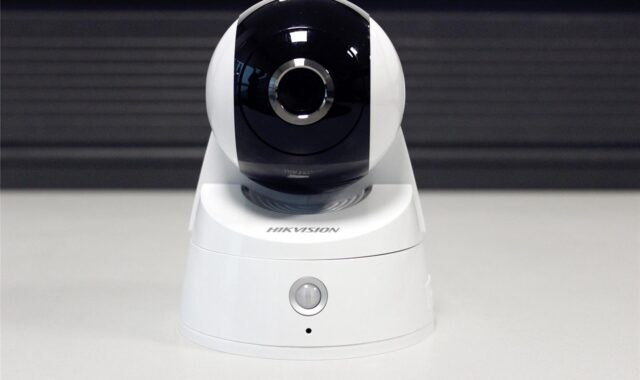
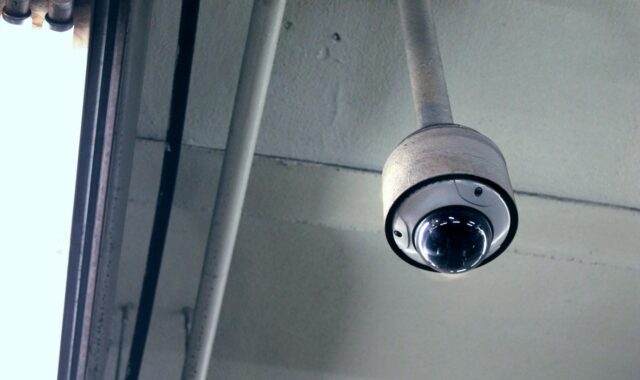
How to plan home security cameras without creating new risks
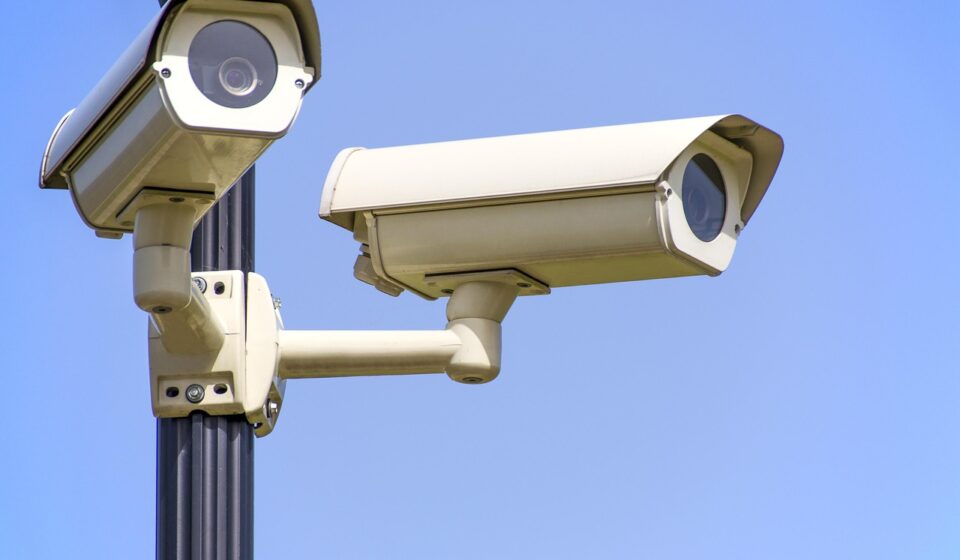
a[data-rs-seo-link]{text-decoration:underline!important;color:#1a56db!important;cursor:pointer!important;}a[data-rs-seo-link]{text-decoration:underline!important;color:#1a56db!important;cursor:pointer!important;}
Start with the risk you want the camera to reduce
Home security cameras can strengthen a property security plan, but only when each camera has a clear job. A camera is not a lock, a light, or an alarm. It records activity, helps verify what happened, and may deter visible misconduct. It also creates responsibilities around Wi-Fi security, account access, video storage, and privacy.
Before comparing brands or features, define what you need to see, why you need to see it, and what should happen when an alert arrives. A practical plan starts with three questions: which events matter, which locations provide useful views, and which areas should not be recorded at all. For broader planning context, see Costcola’s site security planning resources.
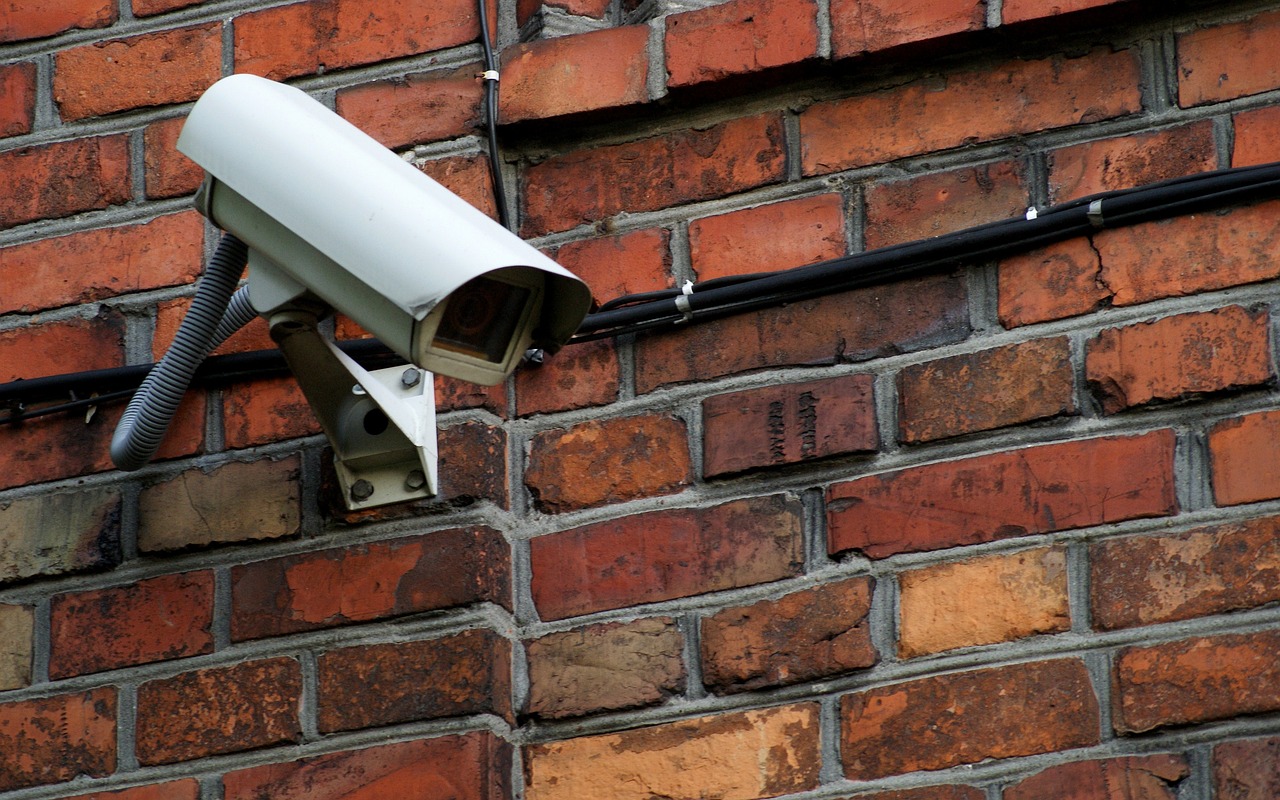
Build a camera map before choosing equipment
The common mistake is buying cameras first and trying to make the property fit them later. A better approach is to sketch the site and mark entry points, approach routes, lighting conditions, network coverage, and areas where recording would be intrusive or unnecessary.
For most homes, useful coverage focuses on the front door, driveway, garage, side gates, rear entrances, and package delivery zones. These are places where activity is expected and where recorded video may help confirm timing, direction of travel, or vehicle movement. Indoor cameras require more caution. They may be appropriate in a detached workshop, garage, utility area, or similar space, but bedrooms, bathrooms, and other private areas should generally be excluded from routine monitoring.
The goal is not to cover every inch. It is to create enough visibility to answer specific questions: who approached, from which direction, when the event occurred, and whether a response is needed. A camera mounted too high may miss faces. A camera mounted too low may lose the wider context. A camera facing headlights or direct sunset may look acceptable during the day but fail at the moment it is needed.
Use overlapping coverage only where it adds value
Two cameras viewing the same entrance from different angles can be useful at a high-priority point, such as a driveway gate or front porch. Overlapping every view, however, adds cost, storage demand, alert noise, and privacy exposure. Reserve redundancy for locations where one device could be blocked, damaged, or blinded by light.
Plan for lighting as part of the camera system
Night vision is useful, but it is not a substitute for good lighting design. Motion lighting can improve image quality and may discourage activity before someone reaches the door. Poorly aimed lighting can also wash out the image. During planning, note where porch lights, streetlights, vehicle headlights, and reflective surfaces may affect footage.
Match camera type to location and maintenance limits
No single camera type fits every property. The right choice depends on power access, network reliability, mounting options, storage preferences, and how much maintenance the household will realistically perform.
| Option | Where it fits | Planning tradeoff |
|---|---|---|
| Wired PoE camera | Driveways, exterior walls, garages, and higher-priority fixed views | More stable power and data, but usually requires cable runs and more installation work |
| Battery Wi-Fi camera | Rentals, temporary coverage, sheds, and locations without easy wiring | Fast to install, but battery charging, Wi-Fi strength, and cold weather performance must be considered |
| Doorbell camera | Front entry, package drop-off areas, and visitor verification | Convenient angle for visitors, but may miss wider yard or driveway activity |
| Indoor camera | Garage, utility area, storage room, or monitored entry corridor | Useful for verification, but privacy expectations are higher and placement should be limited |
| Floodlight camera | Driveways, side yards, and rear entrances | Combines lighting and video, but poor aiming can create glare or nuisance alerts |
For permanent exterior coverage, wired power is often easier to manage over time than battery charging. For renters, or for households testing a layout, battery cameras can help validate views before a more permanent installation. If a camera protects a critical entrance, prioritize reliability over convenience.
Decide how footage will be stored and accessed
Storage is a security decision, not just a subscription question. Local storage, cloud storage, and hybrid systems each have practical advantages and limitations.
Local storage through a recorder or memory card can reduce dependence on a vendor cloud service and may avoid monthly fees. The weakness is physical exposure: if a recorder is stolen or damaged, the footage may go with it unless the system is hidden, backed up, or paired with event uploads. Cloud storage can preserve video even if a camera is taken, and it usually makes remote viewing easier. The tradeoff is ongoing cost, internet dependence, and a greater need to understand account security and data retention settings.
Hybrid designs are often practical when cameras are part of a wider security plan. Continuous recording may remain local, while important clips or alerts are stored offsite. Whatever model you choose, decide retention before installation. Keeping video forever is rarely necessary and increases exposure if an account is compromised. Many households only need enough retention to discover and review an incident within a reasonable period.
Make cybersecurity a buying criterion, not an afterthought
Every internet-connected camera is also a network device. The camera, mobile app, cloud account, router, and stored video all need protection. The Federal Trade Commission advises consumers to avoid default usernames and passwords, use strong unique passwords, secure the home router, and think carefully before enabling remote viewing in sensitive areas. CISA guidance on internet-connected devices also emphasizes changing default credentials and reducing unnecessary exposure to the public internet.
When comparing home security cameras, look beyond resolution and night vision. Security features should include unique credentials, multi-factor authentication, clear update support, encrypted connections, access logs or login notifications, and an understandable privacy policy. If a product does not explain how long it receives security updates, how video is protected, or how account access is controlled, that uncertainty should count against it.
NIST IR 8425, a consumer IoT cybersecurity profile published in September 2022, identifies broad outcomes that are useful for camera buyers to consider, including product configuration, data protection, logical access control, software updates, cybersecurity state awareness, documentation, and information sharing. These are not shopping buzzwords. They describe whether a product can be securely installed, maintained, updated, and retired.
The U.S. Cyber Trust Mark is also relevant to this market. The FCC created the voluntary labeling program for consumer Internet of Things products, including connected devices such as home security cameras. On April 13, 2026, the FCC announced ioXt Alliance as the new Lead Administrator for the program. As the label continues to mature, buyers should treat it as a useful signal when available, not as a replacement for checking update support, account controls, and privacy settings. See also: Access Control.
Use a setup checklist that reduces avoidable failures
A strong camera plan can be weakened by rushed installation. Many failures are basic: weak passwords, cameras mounted outside reliable Wi-Fi range, default motion zones, alerts sent to a phone nobody checks, or firmware updates postponed indefinitely.
- Secure the router first. Use a strong router admin password, current encryption settings, and firmware updates before adding cameras.
- Create unique camera account credentials. Do not reuse a password from email, shopping, or social media accounts.
- Enable multi-factor authentication. This adds a second step if someone guesses or steals the password.
- Update firmware and apps. Check for automatic updates, but also verify that updates are actually being installed.
- Limit user access. Give camera access only to people who need it, and remove access when it is no longer needed.
- Set motion zones carefully. Exclude sidewalks, roads, trees, and neighboring areas where possible to reduce false alerts and unnecessary recording.
- Test daytime and nighttime views. Review footage at different times, including rain, headlights, porch lighting, and low-light conditions.
- Document the system. Keep a private record of camera locations, power sources, storage settings, warranty terms, and update practices.
Do not expose camera administration pages directly to the open internet unless you fully understand the risks and have a secure remote access design. For typical households, vendor apps with multi-factor authentication or a properly configured private network approach are safer than forwarding ports to a camera interface.
Plan for privacy, neighbors, and legal limits
Camera planning should reduce risk without creating unnecessary surveillance. In the United States, rules can vary by state and locality, especially when audio recording is involved. A video camera aimed at your own front walk is different from a camera that captures a neighbor’s windows, a shared yard, or conversations. This article is not legal advice, but the practical planning rule is simple: record what you need for security, avoid what you do not need, and be especially cautious with audio.
Visible placement can support deterrence and transparency, while hidden placement may create mistrust or legal complications depending on the setting. If cameras cover shared spaces, rental units, or areas used by guests or workers, notice and consent issues may be more important. Audio should be disabled unless there is a clear reason to use it and the household has checked applicable consent rules.
Privacy also includes internal household access. A camera account shared casually with relatives, contractors, or former residents can become a long-term risk. Review access after moves, staffing changes, breakups, rental turnovers, or device replacements. Security footage should be treated as sensitive household data.
Create a maintenance routine for evidence quality
A camera that worked on installation day may not work six months later. Batteries weaken, lenses get dirty, Wi-Fi networks change, subscriptions expire, storage fills up, and software becomes outdated. A light maintenance routine protects the value of the system.
Once a month, confirm that each camera is online, recording, aimed correctly, and producing usable images. Check that the timestamp is correct, because inaccurate time can reduce the usefulness of footage. Review whether alerts are still meaningful or whether motion zones need adjustment. After storms, construction, landscaping, or router changes, retest critical views.
Evidence quality depends on more than resolution. A lower-resolution clip that clearly shows direction, timing, clothing, and vehicle movement may be more useful than a high-resolution view blocked by glare. If identification is important, test whether faces and license plates are actually readable at the distances you expect. Do this before an incident, not after.
Frequently asked questions
How many home security cameras does a typical house need?
There is no universal number. A small home may only need cameras at the front entrance, driveway, and rear entrance. Larger properties may need coverage for side gates, detached garages, or long approach routes. Start with the events you need to verify, then add cameras only where they answer a specific security question.
Are wireless home security cameras secure?
Wireless cameras can be secure if the router, camera account, firmware, and privacy settings are well managed. The main risks are weak passwords, poor Wi-Fi coverage, skipped updates, and unnecessary remote access. If a wireless camera protects a critical location, test signal strength and recording reliability before relying on it.
Is local storage better than cloud storage?
Neither is automatically better. Local storage can reduce vendor dependence and recurring costs, but footage may be lost if the recorder is stolen or damaged. Cloud storage can preserve clips offsite and simplify remote access, but it increases reliance on account security, subscription terms, and vendor data practices. Many homeowners prefer a hybrid approach for important locations.
Should outdoor cameras record audio?
Use audio carefully. Audio recording laws vary, and recording conversations can create legal and privacy issues that video alone may not. Unless audio is necessary for a defined security purpose and local rules have been checked, disabling outdoor audio is often the lower-risk choice.
What matters more, camera resolution or placement?
Placement usually matters more. High resolution cannot fix a bad angle, glare, weak lighting, or a view that is too far from the activity. Choose a camera with adequate image quality, then spend time testing height, angle, lighting, motion zones, and storage settings.