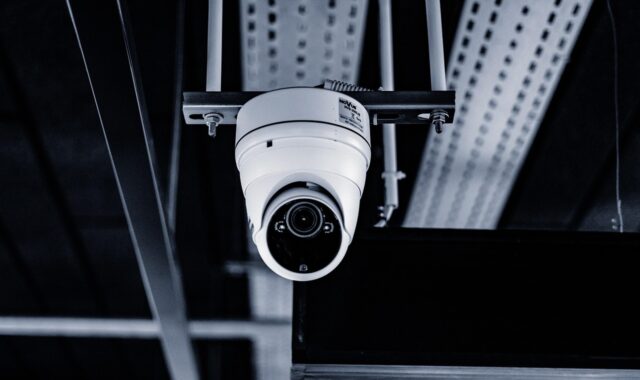
How to choose house surveillance cameras for safer, more private home monitoring
a[data-rs-seo-link]{text-decoration:underline!important;color:#1a56db!important;cursor:pointer!important;}a[data-rs-seo-link]{text-decoration:underline!important;color:#1a56db!important;cursor:pointer!important;}
Start with coverage, not camera count
House surveillance cameras work best when they are selected for specific risks: entry points, blind spots, deliveries, driveways, side gates, detached garages, and interior areas that genuinely need monitoring. A practical home system should show what happened, send useful alerts, protect the footage, and avoid recording more private activity than necessary. The buying decision should therefore cover camera type, field of view, night performance, storage model, network security, audio settings, and placement.
Guidance from the Federal Trade Commission and NIST points to an important reality: connected cameras are both security devices and internet-connected computers. If they are poorly configured, they can introduce privacy and cybersecurity risks of their own.
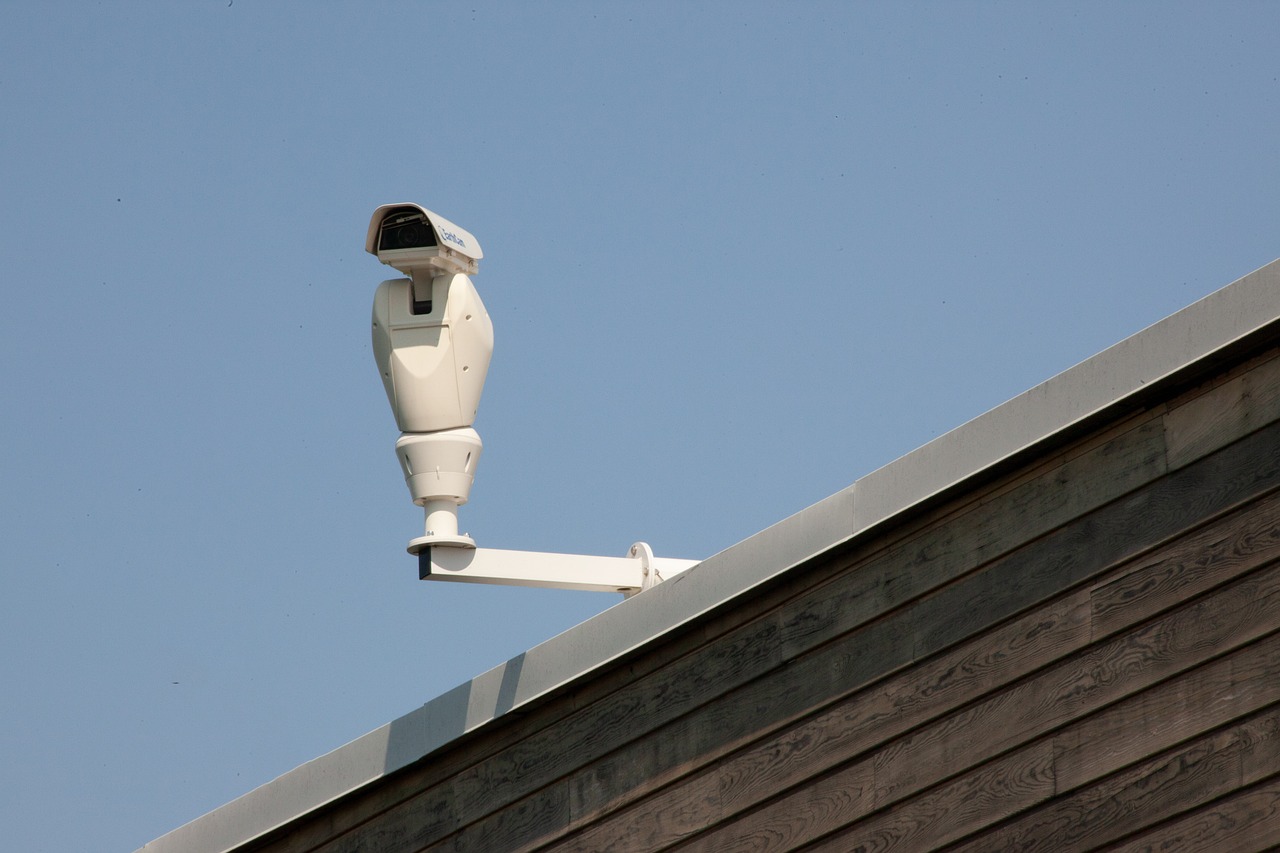
For more context on system planning and related equipment categories, see Costcola’s surveillance systems section.
Match each camera type to the job it needs to do
The phrase house surveillance cameras covers several product types. They may look similar in product listings, but they solve different problems. A doorbell camera is convenient for visitors and packages, while a wired exterior camera is usually better for continuous driveway or side-yard coverage. A battery camera may be easy to install, but it can miss events if motion detection is delayed or the battery runs low.
| Camera type | Common use | Main advantage | Important limitation |
|---|---|---|---|
| Video doorbell | Front door, porch, package area | Visitor alerts and two-way talk | May capture audio or neighbor activity beyond the doorway |
| Wi-Fi plug-in camera | Indoor rooms, garages, covered porches | Easy setup and app access | Depends on Wi-Fi strength and cloud account security |
| Battery camera | Places without power outlets | Flexible installation | Battery maintenance and event-triggered recording limits |
| PoE wired camera | Driveways, entrances, exterior walls | Stable power and data through one cable | Higher installation effort |
| NVR-based system | Multi-camera homes and larger properties | Centralized local recording | Requires more planning and network setup |
A practical approach is to map the home before buying a camera bundle. Start with the areas where footage would be most valuable after an event: the front approach, rear entry, garage, driveway, ground-floor windows hidden from the street, and any detached structure. Then decide whether each location needs continuous recording, motion clips, two-way audio, color night vision, or basic event evidence.
Video quality matters, but context matters more
Resolution is often the first specification shoppers notice. A 2K or 4K camera can capture more detail than a 1080p model, but only when the lens, lighting, compression, and placement support that detail. A camera mounted too high may show the top of a person’s head instead of a usable face angle. A wide-angle lens may cover more space while making distant details smaller. Heavy compression can also reduce the practical value of higher-resolution footage.
For exterior monitoring, night performance should be reviewed as carefully as daytime samples. Infrared night vision can work well in darkness, but reflective surfaces, glass, license plates, and bright porch lights can reduce clarity. Color night vision usually needs some available light. If the area is completely dark, adding a motion light may improve footage more than upgrading the camera alone.
Field of view changes the result as much as resolution does. A broad 160-degree view may be useful at a porch, while a narrower lens can be better for a driveway because it concentrates pixels on the area where people or vehicles pass. For many homes, the strongest setup is not the widest possible view. It is overlapping views of key approach paths, with enough detail at the expected distance.
Choose storage with privacy, access, and cost in mind
Storage is one of the most important differences between house surveillance cameras. Cloud storage is convenient because clips can be viewed away from home and may remain available if a camera is stolen. Local storage, such as a microSD card or network video recorder, can reduce reliance on subscriptions and may keep more footage under the homeowner’s direct control. Some systems combine both.
Cloud storage usually means the camera maker’s app, account security, data practices, and subscription terms become part of the system. If person detection, package alerts, familiar-face features, or advanced search depend on cloud processing, review what data is uploaded and how long clips are retained. Consumer Reports has repeatedly emphasized that camera evaluations should include data privacy and data security, not only image quality or app convenience.
Local recording can be attractive, but it is not automatically safer. A recorder connected to the home network still needs strong passwords, updates, restricted access, and a secure physical location. If footage is stored only on a camera’s memory card, losing the camera may mean losing the evidence. A balanced approach is to keep important exterior cameras on local continuous recording while using cloud clips only for selected alerts, if the chosen platform allows that configuration.
Cybersecurity should be part of the purchase decision
A surveillance camera is a network device with a lens and, in many cases, a microphone. The Federal Trade Commission advises consumers to secure camera accounts, use strong unique passwords, enable two-factor authentication when available, keep software updated, and consider privacy before placing cameras in sensitive spaces. These steps are not optional extras. They directly affect whether the system protects the home or becomes another point of exposure.
NIST’s consumer IoT cybersecurity work is also relevant to connected cameras. NIST IR 8425 describes cybersecurity outcomes for consumer IoT products, including areas such as product configuration, data protection, software updates, documentation, and communication of security information. For buyers, the practical question is whether the manufacturer makes these controls visible and usable. A camera with vague update practices, unclear privacy settings, or no account protection should be treated cautiously, even if the video looks sharp.
In 2024, the Federal Communications Commission adopted rules for a voluntary U.S. Cyber Trust Mark labeling program for wireless consumer IoT products. The program is designed to help consumers identify connected products that meet defined cybersecurity criteria. For home cameras, a recognized cybersecurity label can be a helpful signal, but it should not replace basic review of update support, authentication options, encryption settings, and the company’s privacy policy.
- Use a unique password for the camera account and the home router.
- Turn on two-factor authentication when the camera platform supports it.
- Install firmware and app updates promptly.
- Disable features you do not use, especially public sharing or broad remote access.
- Use a separate guest or IoT network if your router supports it.
- Review account access logs and shared users regularly.
Placement should reduce blind spots without over-recording
Good placement improves both security and privacy. Exterior cameras should generally focus on the homeowner’s property: doorways, walkways, gates, vehicles, and approach routes. Aiming directly into a neighbor’s windows, private yard areas, or shared interior spaces can create avoidable disputes. Audio recording deserves special caution because state and local rules can vary, and microphones may capture conversations farther away than the camera view suggests. See also: Access Control.
Interior cameras require a higher privacy standard. Avoid bedrooms, bathrooms, and other sensitive spaces. If an indoor camera is used for a pet, garage, nursery, or elder-care purpose, choose models with obvious recording indicators, physical shutters where practical, and clear household rules. Visitors, caregivers, tenants, and family members should not be surprised by hidden monitoring.
Height and angle are also important. Mounting exterior cameras around 8 to 10 feet high can reduce tampering, but too much height can weaken face detail. Doorbell cameras should be positioned to capture the person at the door without pointing unnecessarily into the street or neighboring property. For driveways, test whether headlights wash out the image at night. For side gates, consider whether the camera captures both the latch area and the path leading to it.
Smart alerts can help, but they need tuning
Motion alerts are useful only if they are trusted. Too many false alerts lead people to ignore notifications, while overly narrow detection zones can miss important activity. Person, vehicle, animal, and package detection can reduce noise, but accuracy depends on the device, lighting, camera angle, and whether processing happens locally or in the cloud.
Start with conservative settings. Define motion zones around walkways, doors, and vehicles rather than trees, roads, or sidewalks with constant movement. Use schedules if household routines are predictable. If the camera supports sensitivity levels, test them for several days before relying on alerts during travel. For critical areas, consider continuous recording or longer pre-roll and post-roll clips so the footage shows what happened before and after the trigger.
Two-way talk and sirens should be used carefully. They can deter some behavior, but they can also escalate a situation or annoy neighbors if triggered automatically. In most residential settings, the most valuable smart features are accurate detection, fast notifications, searchable clips, and easy export of footage when needed.
A practical checklist before buying
Before choosing a system, write down what each camera must prove. Do you need to identify a face at the porch, verify a delivery, see whether a gate opened, read a vehicle description, or monitor an interior entry from the garage? Different goals require different placement and recording choices.
- Coverage: Map doors, windows, garage areas, side paths, and package drop zones.
- Power: Decide whether each location can support wired power, PoE cabling, solar assistance, or battery maintenance.
- Connectivity: Test Wi-Fi strength at the exact mounting location before installation.
- Storage: Compare cloud, local, and hybrid options, including subscription costs and retention periods.
- Security controls: Confirm two-factor authentication, update support, encryption options, and user permission settings.
- Privacy: Check privacy zones, audio controls, recording indicators, and household notice practices.
- Export: Make sure clips can be downloaded in a usable format without unnecessary friction.
The strongest home camera plan is usually simple: fewer cameras placed well, clear storage rules, secure accounts, and alert settings that the household will actually maintain. More cameras can add coverage, but they also add more accounts, settings, batteries, subscriptions, and privacy decisions.
Frequently asked questions
How many house surveillance cameras does a typical home need?
There is no universal number. Many homes start with a front door camera, a rear entry camera, and a driveway or garage camera. Larger properties, corner lots, detached garages, and homes with hidden side entrances may need more. Coverage should be based on risk areas, not on a fixed camera count.
Are wired cameras better than wireless cameras?
Wired cameras usually offer more stable power and data connections, especially when using Power over Ethernet. Wireless cameras are easier to install and move, but they depend on Wi-Fi quality, battery life, and app reliability. For important exterior zones, wired options are often more dependable; for rental homes or lower-risk areas, wireless models may be practical.
Should home cameras record 24/7 or only on motion?
Continuous recording gives more context and can capture events that motion detection misses. Motion recording saves storage and makes review easier. A hybrid approach often works well: continuous recording for high-value exterior areas and motion clips for lower-risk or battery-powered locations.
Can house surveillance cameras invade privacy?
Yes, if they are aimed poorly, placed in sensitive indoor areas, or configured to capture unnecessary audio and video. Use privacy zones, disable audio when it is not needed, avoid sensitive rooms, and aim exterior cameras at your own property as much as possible. Local laws, rental agreements, and community rules may also apply.
What is the most overlooked feature when buying home cameras?
Account and device security are often overlooked. A camera should support strong authentication, regular software updates, clear privacy controls, and manageable user permissions. A sharp image is useful, but it does not compensate for weak access controls or unclear data practices.