ZKT access control guide for door readers, software, and deployment decisions

a[data-rs-seo-link]{text-decoration:underline!important;color:#1a56db!important;cursor:pointer!important;}a[data-rs-seo-link]{text-decoration:underline!important;color:#1a56db!important;cursor:pointer!important;}
ZKT access control is commonly used as shorthand for ZKTeco access control: door and entrance management systems built from readers, controllers, locks, credentials, biometric terminals, and software. For buyers, installers, and facility teams, the key question is not simply whether a device can unlock a door. The system also has to manage users, events, schedules, alarms, reports, integrations, and later expansion.
ZKTeco’s official materials describe a product ecosystem that ranges from standalone terminals to the ZKBio CVSecurity platform, with modules for access control, attendance, visitor management, parking, video, elevator control, and related security workflows. For broader background on the category, see Costcola’s access control section. (zkteco.com)
What ZKT access control means in practice
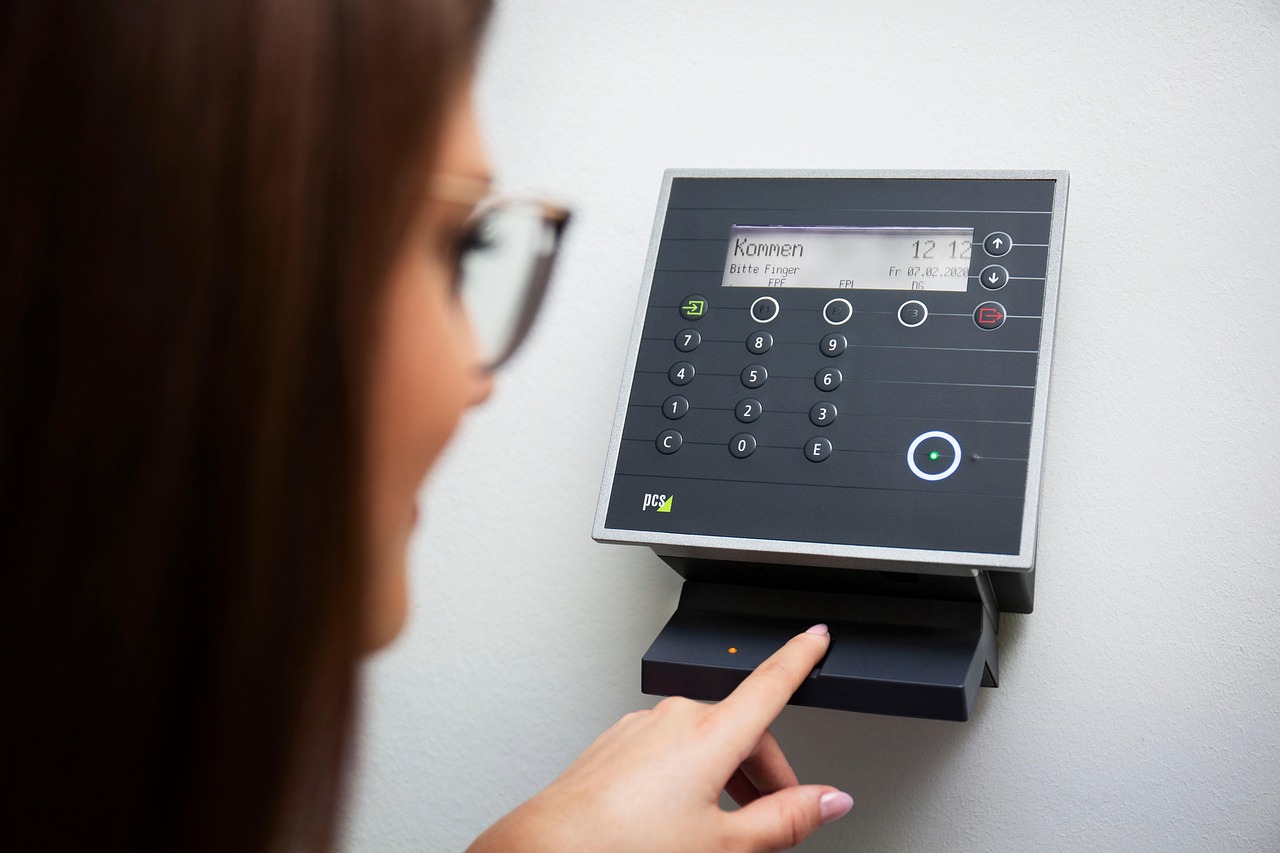
In everyday searches, “ZKT access control” normally refers to systems from ZKTeco, a security technology manufacturer known for biometric and card-based access products. The phrase can describe several deployment types: a standalone fingerprint or RFID terminal on one door, a networked controller system for multiple doors, or a software-managed platform that combines access events with attendance, visitor, elevator, parking, alarm, and video data.
This distinction matters because two ZKTeco devices can look similar while serving different roles. A standalone terminal may be enough for a small office, storage room, or staff entrance where local enrollment and basic logs are acceptable. A multi-door site usually needs centralized credential management, access levels, audit trails, backup procedures, and defined administrator roles. Enterprise sites should also settle integration requirements before hardware is selected.
A practical way to evaluate ZKT access control is to view it in four layers: identity, authorization, door control, and monitoring. Identity may be a person, card, mobile credential, PIN, face, fingerprint, palm, or QR credential. Authorization is the rule that decides whether that identity may enter a specific door at a specific time. Door control covers the lock, relay, controller, exit button, door sensor, and power arrangement. Monitoring includes the event record, alarm, report, map, camera link, or security response that follows the access decision.
Main components in a ZKTeco access control system
Readers, terminals, and credentials
ZKTeco’s access control catalog includes devices that support combinations of RFID cards, PINs, QR codes, fingerprints, facial recognition, palm authentication, and video intercom. The official ProMA Series page, for example, describes models that combine multi-biometric authentication, RFID, optional palm authentication, QR options, and integrated video intercom in a rugged device. The same page lists IP67 waterproof and dustproof protection and IK07 vandal resistance for the ProMA Series, which is relevant for outdoor doors and public-facing installations. (zkteco.com)
Credential choice should reflect both risk and daily usability. RFID cards are familiar and fast, but lost or shared cards weaken control if the system does not verify identity in another way. PINs are inexpensive, but they can be observed or shared. Biometrics can increase assurance that the enrolled person is present, but they require careful enrollment, consent handling, retention policies, and fallback workflows for users who cannot reliably use a biometric modality.
Controllers, locks, sensors, and power
The controller and door hardware are where access control becomes physical security. The system must match the lock type, door construction, fire and life-safety requirements, request-to-exit hardware, door position sensors, and backup power design. A weak installation can undermine a strong reader. For example, a door without a monitored contact may not reliably show forced-open or held-open conditions. A poorly designed power circuit can also fail open or fail locked in ways that conflict with safety requirements.
When planning ZKT access control, confirm whether each opening needs standalone control, networked control, elevator relay control, turnstile integration, barrier gate control, or alarm linkage. The answer may differ within the same building. A main entrance may need visitor and video workflows, a server room may need dual authentication, and an interior office door may only need a simple card reader.
Management software
Software determines how scalable the system will be after installation. ZKTeco’s official ZKBio CVSecurity page describes a web-based platform with access control and multiple security modules. Its listed specifications include support for Windows desktop and server operating systems, databases such as PostgreSQL, Oracle, and Microsoft SQL Server, RESTful API interfaces, Active Directory and Microsoft 365 integrations, and data protection using 256-bit AES encryption. The same product page lists high maximum capacities, including 300,000 personnel, 300,000 RFID cards, 300,000 fingerprints, 300,000 faces, and 5,000 access-controlled doors, while noting that some limits depend on server and network performance. (zkteco.com)
Those figures should not be treated as a guarantee that every project will use the same architecture. They are official product-page specifications, not a substitute for project sizing. Server resources, network latency, database planning, license level, camera load, module selection, and local support capability can all affect the final deployment design.
What to verify before choosing ZKT access control
The most useful buying conversation is not “which device is best?” but “which device and platform match this site’s doors, users, risks, and maintenance model?” The table below summarizes practical checks that should be completed before hardware is ordered.
| Decision area | What to confirm | Why it matters |
|---|---|---|
| Door count and growth | Current doors, future doors, elevator floors, gates, turnstiles, and remote sites | Prevents under-sizing the controller and software design |
| Credential method | RFID, PIN, QR, face, fingerprint, palm, mobile, or multi-factor combinations | Balances convenience, identity assurance, privacy, and cost |
| Environment | Indoor, outdoor, weather exposure, vandal risk, lighting, temperature, and mounting surface | Determines whether ruggedized devices and protective ratings are needed |
| Software scope | Access only, or combined attendance, visitor, video, parking, elevator, and alarm workflows | Avoids buying a device-only solution when operational reporting is required |
| Integration | Directory service, HR system, video platform, alarm panel, API needs, and reporting exports | Reduces manual user administration and disconnected event records |
| Security administration | Administrator roles, audit logs, backup process, update policy, and credential revocation | Controls insider risk and supports incident review |
Small-site and enterprise deployment patterns
For a small business, a ZKTeco standalone terminal can be attractive because it may combine the reader, authentication, relay output, and local management in one device. This can reduce wiring and setup complexity for one or two doors. The trade-off is that user administration, backups, reporting, and integration may be limited compared with a centralized platform.
For a growing office, school, clinic, warehouse, or multi-tenant facility, centralized software becomes more important. Administrators need to create access levels, assign schedules, disable a lost credential quickly, review event logs, and manage user changes without touching every device. If the access system also supports attendance or visitor workflows, the software layer becomes operational infrastructure rather than a simple door-security accessory.
For enterprise or multi-site projects, the evaluation should include database choice, server sizing, network segmentation, redundancy, remote support, API governance, and lifecycle maintenance. ZKTeco’s ZKBio CVSecurity materials list broad integration capabilities and large-scale capacity figures, but the design still needs project-specific engineering. A 20-door office and a 2,000-door campus can use the same brand ecosystem while requiring very different architecture. (zkteco.com) See also: Alarm and Detection.
Security and privacy considerations
Access control is also a cybersecurity and privacy system, not only a door system. The Security Industry Association describes OSDP as a protocol designed to improve interoperability among access control and security products, with features such as bidirectional communication, supervised device status, Secure Channel encryption, smart-card communications, and biometric-reader support. SIA also notes that OSDP was approved by the International Electrotechnical Commission and published as IEC 60839-11-5:2020. (securityindustry.org)
That does not mean every ZKT access control installation automatically uses OSDP or Secure Channel. It means the communication method should be part of the specification. Installers and buyers should ask whether the selected reader and controller support the intended protocol, whether secure communication is enabled, how keys are managed, and how devices are decommissioned or moved.
Biometric deployments need additional governance. NIST SP 800-116 Revision 1 is written for PIV credentials and U.S. federal facility access, but its risk-based framing is useful more broadly: authentication mechanisms should be selected according to the risk of the area being protected, rather than applied uniformly everywhere. In a commercial setting, that principle points to stronger controls for server rooms, laboratories, cash offices, records rooms, and restricted operations than for low-risk interior spaces. (csrc.nist.gov)
Organizations should also decide how biometric enrollment is approved, who can export or delete user records, what happens when an employee leaves, how long logs are retained, and how users are informed. Legal requirements vary by jurisdiction, so biometric access control should be reviewed with appropriate privacy and employment-law guidance before rollout.
Selection checklist for ZKT access control projects
- Define the protected areas first. List every door, gate, elevator floor, turnstile, and restricted zone before selecting readers.
- Separate convenience from assurance. Fast entry is important, but high-risk areas may need multi-factor authentication or stricter scheduling.
- Check device ratings. Outdoor and public-facing readers may need weather, dust, vandal, and temperature ratings that match the site.
- Confirm software edition and licensing. Access control, attendance, visitor, parking, elevator, video, alarm, and API features may depend on the selected platform and license.
- Plan administrator roles. Not every receptionist, HR user, guard, or IT administrator should have the same permissions.
- Design for revocation. The system should quickly disable lost cards, former employees, expired visitors, and compromised credentials.
- Document fallback procedures. Power loss, network outage, biometric failure, and emergency evacuation should be covered before go-live.
- Budget for maintenance. Firmware, software updates, database backup, log review, door hardware inspection, and user cleanup are recurring tasks.
Common mistakes to avoid
One common mistake is choosing the most visible device first and treating software as an afterthought. In practice, software determines whether a system can scale, produce useful reports, and support consistent administration. Another mistake is assuming biometrics automatically solve identity risk. Biometrics can raise assurance, but weak enrollment, shared administrator accounts, poor deletion practices, or unsecured network paths can still create exposure.
A third mistake is overlooking the door itself. Access control cannot compensate for a misaligned strike, weak frame, exposed wiring, missing door contact, or improper egress hardware. Security teams should coordinate with locksmiths, electricians, IT, fire-safety stakeholders, and facility managers before final sign-off.
The best ZKT access control project is therefore not defined by a single reader model. It is defined by clear requirements, suitable credentials, resilient door hardware, secure communication, well-scoped software, trained administrators, and a maintenance plan that continues after installation.
Frequently asked questions
Is ZKT access control the same as ZKTeco access control?
In most search and buyer contexts, yes. “ZKT access control” is commonly used as a shortened phrase for ZKTeco access control products and systems. It is not a separate access control standard.
Can ZKTeco access control work without central software?
Some ZKTeco terminals can operate as standalone devices, depending on the model and project requirements. Standalone operation can be useful for simple doors, but centralized software is usually better when a site needs multiple doors, reporting, access levels, integrations, and easier user administration.
Should a site choose RFID, fingerprint, face, palm, PIN, or QR access?
The right credential depends on the risk of the area, user volume, environment, privacy requirements, and fallback needs. Many sites use cards or QR codes for general doors and reserve biometrics or multi-factor workflows for higher-risk areas.
What is the role of ZKBio CVSecurity?
ZKBio CVSecurity is ZKTeco’s web-based security management platform for access control and related modules. Official product information lists access control, attendance, visitor, parking, elevator, video, integration, API, and data-protection capabilities, but project design still needs proper sizing and licensing review. (zkteco.com)
What should be checked before replacing an older access control system?
Check existing wiring, reader protocol, door hardware, lock power, credential technology, user database quality, reporting requirements, and integration needs. A replacement project is also a good time to review secure reader-to-controller communication, administrator permissions, and biometric privacy procedures.