How to plan a security and surveillance system for modern facilities

a[data-rs-seo-link]{text-decoration:underline!important;color:#1a56db!important;cursor:pointer!important;}a[data-rs-seo-link]{text-decoration:underline!important;color:#1a56db!important;cursor:pointer!important;}
A security and surveillance system starts with risk, not cameras
A security and surveillance system is more than a group of cameras mounted around a building. It is a protection layer made up of video, access control, alarms, storage, network security, policies, and response procedures. Planning should start with the risks the site needs to manage, such as theft, unauthorized access, workplace incidents, perimeter intrusion, safety events, compliance exposure, or gaps in after-hours monitoring. Once those risks are clear, teams can make better decisions about camera types, recording methods, analytics, retention periods, and integrations.
A common mistake is buying hardware before defining the operational outcome. A system may record every doorway and still fail in practice if staff cannot verify an alarm, retrieve evidence quickly, or control access to sensitive areas. A stronger design maps threats, identifies key decision points, and then matches the technology to the people and workflows that will use it.
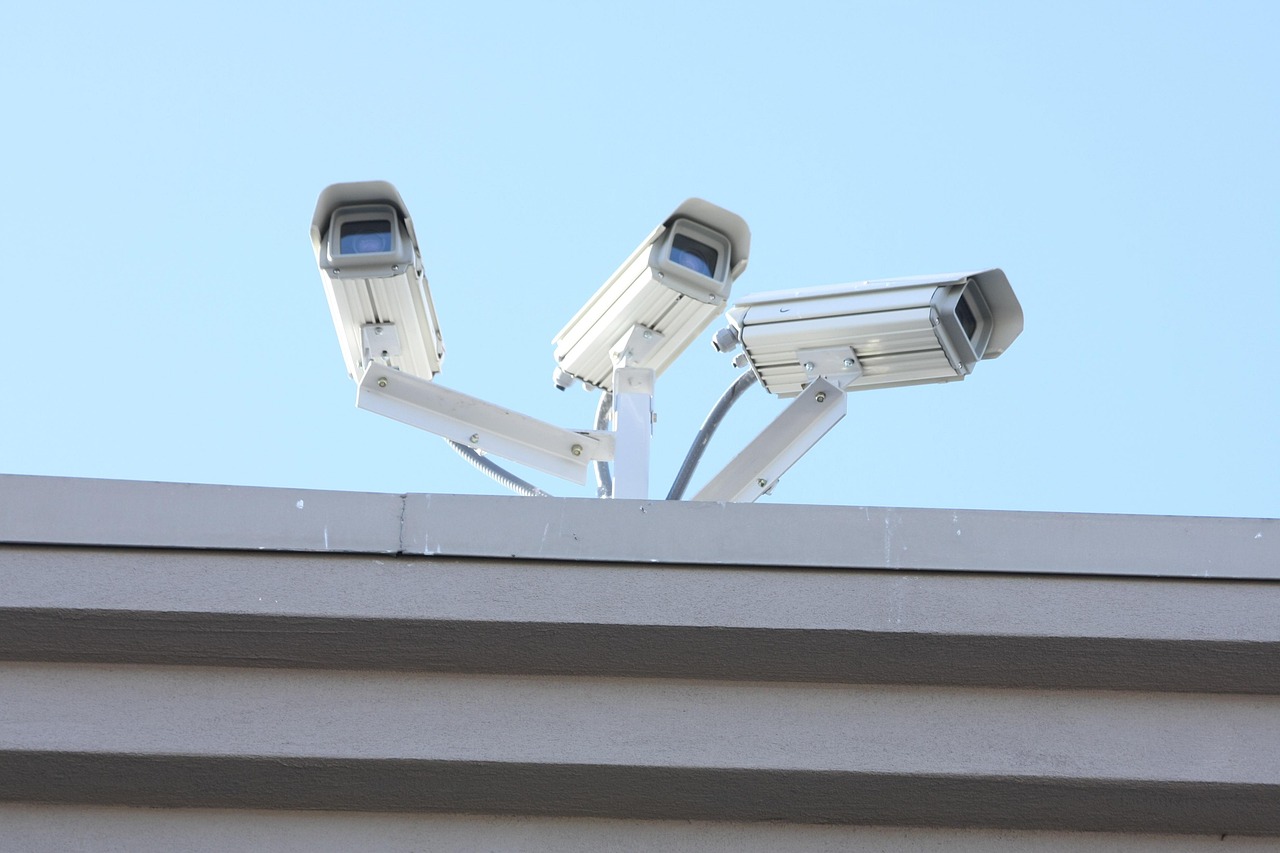
Readers exploring broader camera and monitoring topics can also review the Surveillance Systems section for related industry coverage.
Define the operating goals before choosing equipment
The first design question is not which camera has the highest resolution. It is what the organization needs to prove, prevent, detect, or investigate. A warehouse, school, apartment property, clinic, retail store, and corporate office may all need cameras, but the security questions behind those cameras are different.
A practical planning workshop should answer these questions:
- What must be protected? Examples include people, cash, inventory, restricted rooms, vehicles, records, equipment, or production lines.
- Where do incidents begin? Typical points include entrances, reception areas, loading docks, parking lots, server rooms, stairwells, and blind corridors.
- How fast must someone respond? A live safety incident requires a different workflow from a later investigation.
- Who will use the system? Security officers, IT administrators, facility managers, HR teams, and law enforcement liaisons may need different access levels.
- What evidence quality is required? General awareness, license plate reading, facial identification, occupancy counting, and transaction verification have different camera placement and resolution requirements.
This process turns surveillance from a passive recording tool into an operational system. It also helps avoid unnecessary spending. A wide-angle overview camera may support situational awareness, while a tightly framed entrance camera may be needed for identification. Both can be useful, but they solve different problems.
Build the system around layers, not isolated devices
Modern physical security works best as a layered architecture. Cameras are one layer, but access credentials, door position sensors, intrusion alarms, intercoms, visitor logs, lighting, signage, and incident procedures all influence the final level of protection.
A balanced system often includes the following layers:
- Deterrence: visible cameras, controlled entrances, lighting, and clear policies that discourage unauthorized activity.
- Detection: motion events, door-forced alerts, glass break sensors, analytics, and alarm inputs that identify abnormal activity.
- Verification: video clips, live views, intercom audio, badge records, and sensor context that help staff confirm what is happening.
- Response: notifications, guard dispatch, lockdown procedures, remote unlock decisions, or escalation to emergency services.
- Investigation: searchable recordings, audit logs, export controls, retention rules, and chain-of-custody practices.
Integration is most valuable when it reduces uncertainty. A door alarm without video leaves staff guessing whether the event is a malfunction, a delivery, an employee error, or a real intrusion. When video and access logs are linked, the event is easier to verify and resolve.
Compare on-premises, cloud, and hybrid surveillance architectures
Storage and management architecture is one of the most important decisions in a security and surveillance system. The choice affects cost, bandwidth, cyber exposure, maintenance, retention, remote access, and resilience during an outage.
| Architecture | Where recordings are managed | Common advantages | Key limitations |
|---|---|---|---|
| On-premises | Local NVRs, servers, or appliances | Local control, predictable storage, less dependence on cloud connectivity | Requires maintenance, patching, hardware lifecycle planning, and secure remote access design |
| Cloud-managed | Cloud platform with cloud or edge storage | Easier remote administration, centralized updates, simplified multi-site management | Subscription cost, vendor dependency, bandwidth planning, and data governance review |
| Hybrid | Local recording with cloud management or selective cloud backup | Balances local resilience with remote visibility and centralized administration | More design complexity and a need for clear retention and failover policies |
No single architecture fits every site. A small office may prioritize simplicity and remote access. A high-security facility may require local recording, strict network segmentation, and controlled evidence export. A multi-site operator may value centralized administration because it reduces the burden on local staff.
Bandwidth planning deserves close attention. High-resolution cameras, long retention periods, and continuous cloud upload can increase network load quickly. Teams should calculate expected video bitrate, event upload volume, retention targets, and failover behavior before installation. They should also decide whether cameras record continuously, only on motion, or through a schedule that changes after business hours.
Treat cybersecurity as part of physical security
Network-connected cameras and access devices are computing endpoints. They have firmware, credentials, ports, certificates, cloud connections, and administrative interfaces. If they are poorly managed, they can become a cybersecurity weakness even when they improve physical visibility.
NIST released Cybersecurity Framework 2.0 on February 26, 2024, expanding the framework’s emphasis on governance as a core function. For surveillance planning, that governance concept is practical: someone must own device inventory, user permissions, vendor review, software updates, incident procedures, and risk acceptance. Security technology should not sit outside the normal IT risk process simply because it is mounted on a wall or ceiling.
Core cybersecurity controls for surveillance systems include:
- Changing default passwords before devices are connected to production networks.
- Using unique accounts and role-based permissions instead of shared administrator logins.
- Keeping camera firmware, video management software, and mobile apps updated.
- Separating camera networks from guest Wi-Fi and unrelated business systems where practical.
- Using encrypted connections and secure remote access rather than open port forwarding.
- Reviewing vendor support periods before buying devices that may remain installed for years.
- Disabling unused services and removing devices that are no longer supported.
U.S. organizations should also review procurement and compliance restrictions before selecting equipment. FCC and federal procurement rules have addressed certain communications and video surveillance equipment from covered manufacturers for specific national security, public safety, government facility, and critical infrastructure contexts. The practical lesson is broader than any single vendor list: purchasing teams should document manufacturer, model, firmware support, supply chain considerations, and intended use before deployment.
Plan privacy, retention, and access before the first recording
Surveillance can reduce risk, but it also creates sensitive data. Video may show employees, customers, visitors, license plates, deliveries, health-related visits, minors, or workplace behavior. A responsible system design should define privacy boundaries at the same time it defines coverage zones. See also: Access Control.
Important policy decisions include where cameras are allowed, where they are not allowed, how long recordings are kept, who may view live video, who may export clips, and how requests for footage are reviewed. Sensitive areas such as restrooms, changing rooms, private consultation spaces, and union or employee-relations settings require special care and may be governed by law, policy, or contract.
Retention should be tied to business need. Keeping footage indefinitely can increase privacy and legal exposure without improving security. A retention period that is too short, however, may erase evidence before an incident is discovered. Many organizations set different retention periods by site risk, camera purpose, storage cost, and regulatory need. A public entrance, a cash-handling area, and a low-risk hallway do not necessarily require the same policy.
Access control is just as important as retention. A system should log who viewed, exported, deleted, or changed video. Exported clips should be protected against casual sharing, and investigations should follow a documented process. These controls help preserve trust and reduce the risk that surveillance tools are misused.
Use interoperability and analytics carefully
Interoperability matters because many facilities expand over time. A system that cannot work with other cameras, recorders, access control platforms, or analytics tools may become expensive to maintain or replace. ONVIF profiles are widely used in IP-based physical security to support interoperability between conformant products. ONVIF has also recommended Profile T as a successor for advanced video streaming needs, while other profiles address recording, access control, metadata, and analytics-related functions.
Interoperability still needs to be verified before purchase. A device marketed as standards-compliant does not guarantee that every desired feature will work in every video management platform. Teams should test the exact functions they need, such as motion events, audio, edge analytics, PTZ control, time synchronization, metadata, and secure configuration.
Analytics can add value, but they should not be treated as automatic proof. Video analytics may help detect loitering, line crossing, people counting, vehicle movement, or unusual after-hours activity. Performance can be affected by lighting, weather, camera angle, crowd density, object size, and configuration. Alerts should be tuned, tested, and reviewed so the system does not overwhelm staff with false positives.
A 2026 vendor-sponsored industry survey reported growing adoption of AI in physical security and also highlighted governance gaps, including the need for written AI policies and measured return on investment. Because the survey is industry research rather than a neutral regulatory source, it is best read as a market signal: organizations are interested in AI-enabled surveillance, but responsible adoption still requires documented policy, testing, and oversight.
A practical planning checklist
Before approving a security and surveillance system, teams should convert goals into a written design document. It does not need to be complicated, but it should be clear enough for facilities, IT, legal, operations, and security stakeholders to understand the tradeoffs.
- Map the site. Mark entrances, exits, restricted spaces, high-value assets, parking areas, blind spots, lighting conditions, and network closets.
- Define camera purpose by location. Label each camera as overview, identification, transaction verification, license plate capture, perimeter detection, or safety monitoring.
- Choose storage and retention. Specify recording mode, days of retention, backup needs, and who approves exports.
- Confirm network design. Include power, switches, VLANs, bandwidth, remote access, time synchronization, and outage behavior.
- Review cybersecurity controls. Document passwords, updates, encryption, logging, administrator access, and device lifecycle support.
- Check legal and policy issues. Review signage, employee notice, privacy restrictions, vendor terms, and procurement requirements.
- Test before rollout. Validate night performance, event search, alert workflows, mobile access, export quality, and response procedures.
- Train users. Give operators role-specific training so they know what alerts mean, when to escalate, and how to handle evidence.
- Schedule reviews. Reassess camera views, permissions, retention, and firmware status at least periodically and after major site changes.
The strongest designs are not necessarily the most expensive. They are the ones that match risk, support fast decisions, protect recorded data, and remain manageable throughout the system lifecycle.
Frequently asked questions
What is included in a security and surveillance system?
A complete system may include cameras, video management software, recorders or cloud storage, access control, alarms, intercoms, sensors, network equipment, user permissions, retention rules, and incident response procedures. The exact mix depends on site risk and operational goals.
Is cloud surveillance safer than on-premises recording?
Cloud surveillance is not automatically safer or riskier. It can simplify updates and remote management, but it also introduces subscription, vendor, bandwidth, and data governance considerations. On-premises systems offer local control but require disciplined maintenance and secure remote access design.
How long should surveillance footage be kept?
Retention should be based on business need, legal requirements, storage cost, and the time it normally takes to discover an incident. A single retention period for every camera is often less effective than setting policies by camera purpose and risk level.
Do higher-resolution cameras always improve security?
No. Resolution helps only when paired with the right lens, field of view, lighting, placement, compression settings, and storage plan. A poorly placed high-resolution camera can deliver less useful evidence than a properly positioned lower-resolution camera.
How should organizations evaluate AI video analytics?
They should test analytics in real site conditions, measure false alarms, define acceptable uses, document who can act on alerts, and review privacy implications. AI features should support human decision-making rather than replace clear security procedures.